Engagement · Ad Tech · 2021
Commenting System
Rebuilt a commenting engagement unit around clearer metrics, cleaner reactions, and signups.
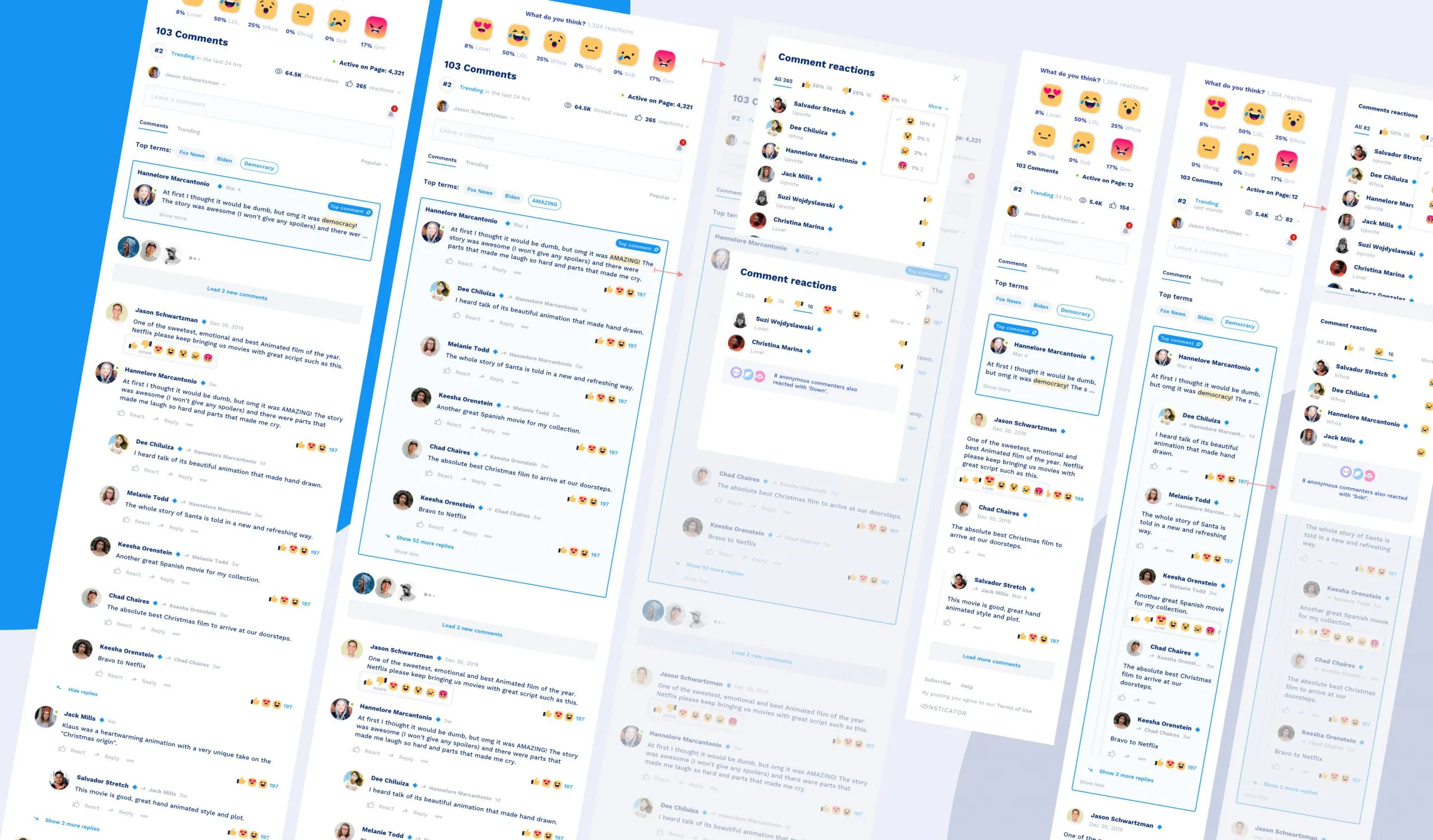
A commenting unit only earns its place on a page if it pulls people in. The brief was to add new features and interactions, and to give the unit an overview of all its comments and threads, with one goal: get both known users and observers more engaged, and ultimately signed up.
Analysing the existing solution
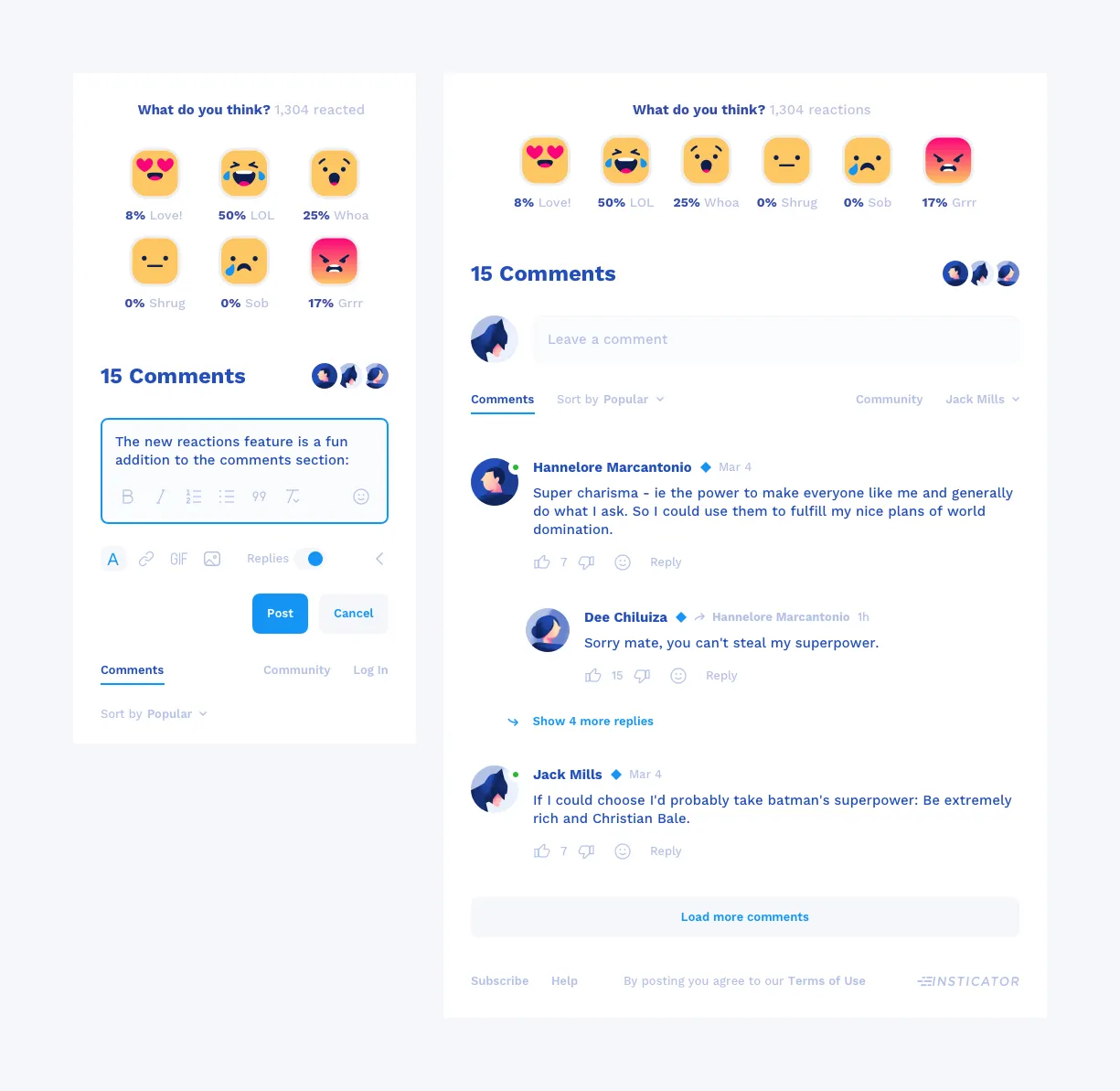
The original unit let people post under an article and read others’ comments and replies. It surfaced only two metrics: how many comments and replies there were, and how many people were active on the page. Reactions existed only at the article level, and individual comments used a generic emoji library, so reactions were neither unique nor branded.
A commenting overview worth watching
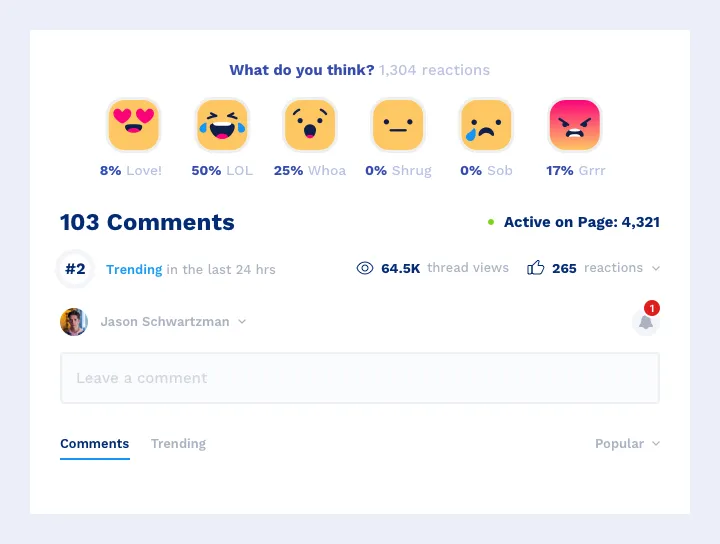
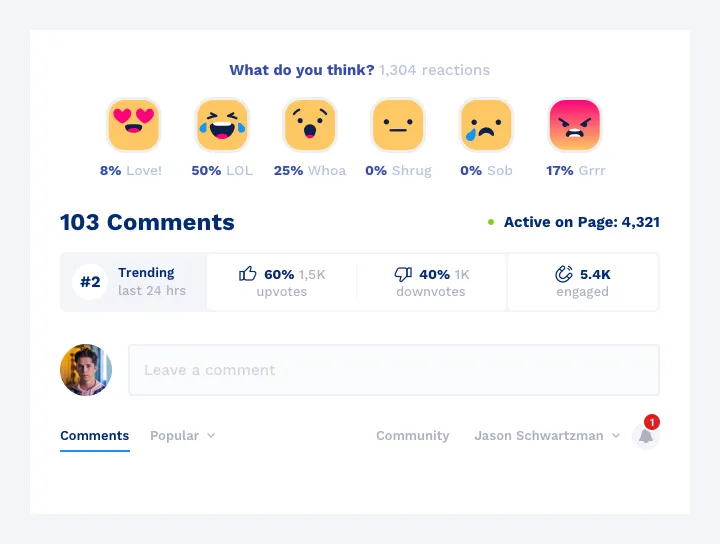
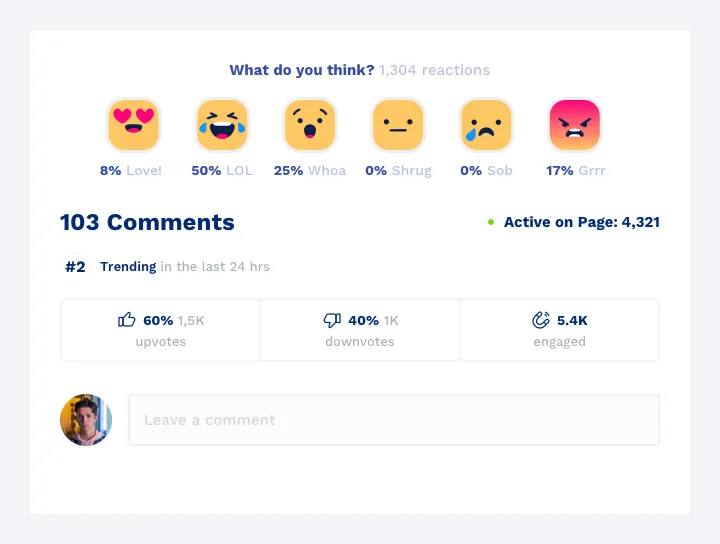
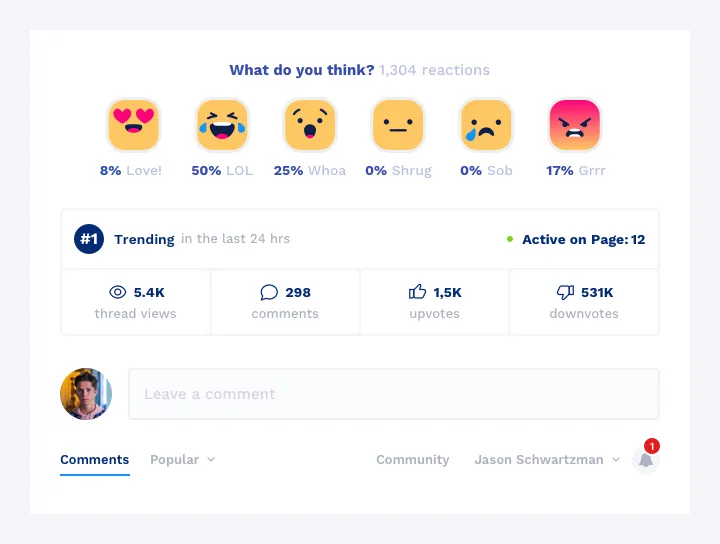
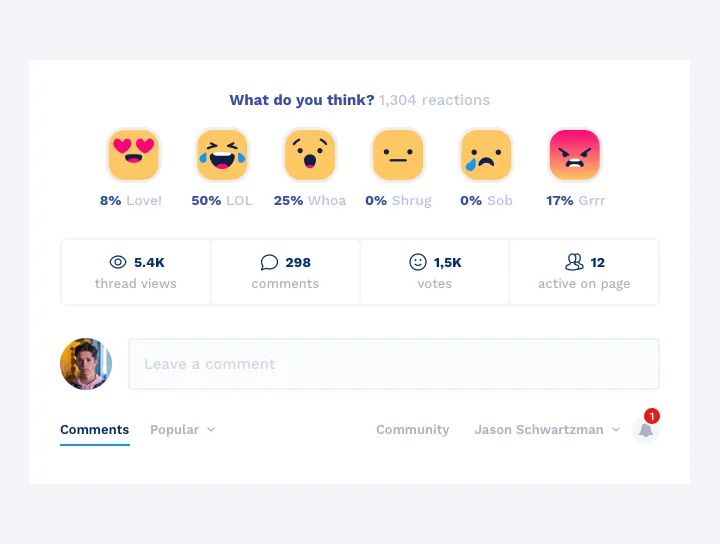
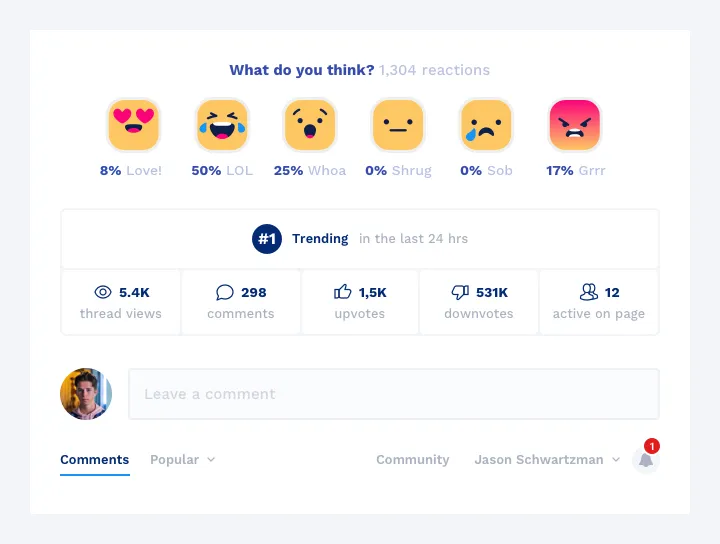
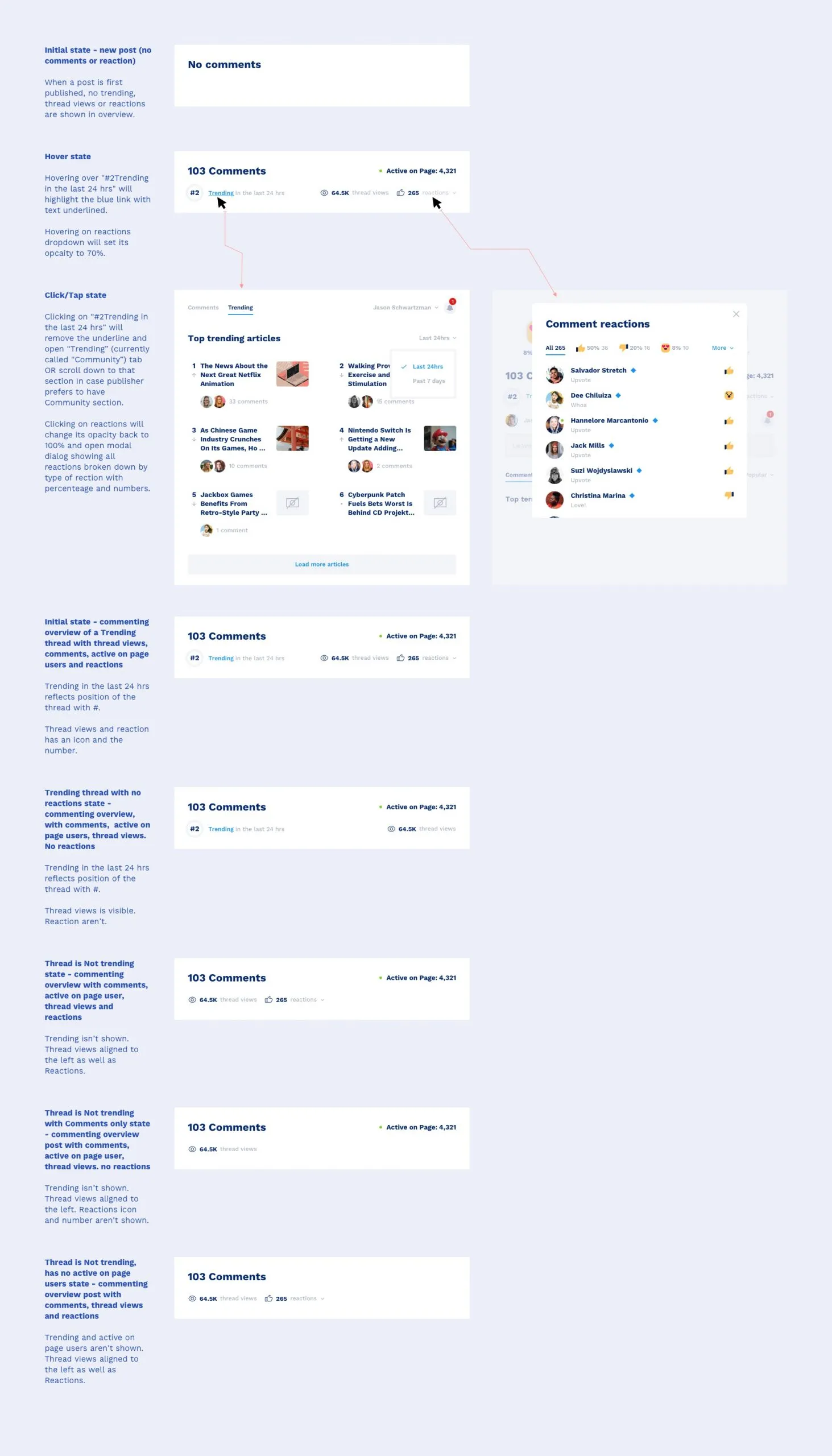
The new overview sits above the comment tree on every article where commenting is enabled. It shows the total comment count for the thread, the active-on-page count, a “Trending Now” position when the article ranks in the top ten within a configurable window, thread views, and a single Reactions number that rolls up comments, replies, upvotes, downvotes, and emoji into one signal.
I made several versions as the requirements firmed up. As the team grew comfortable with the visuals, the brief shifted a few times, and the final design landed compact and editorial.
Top Comment
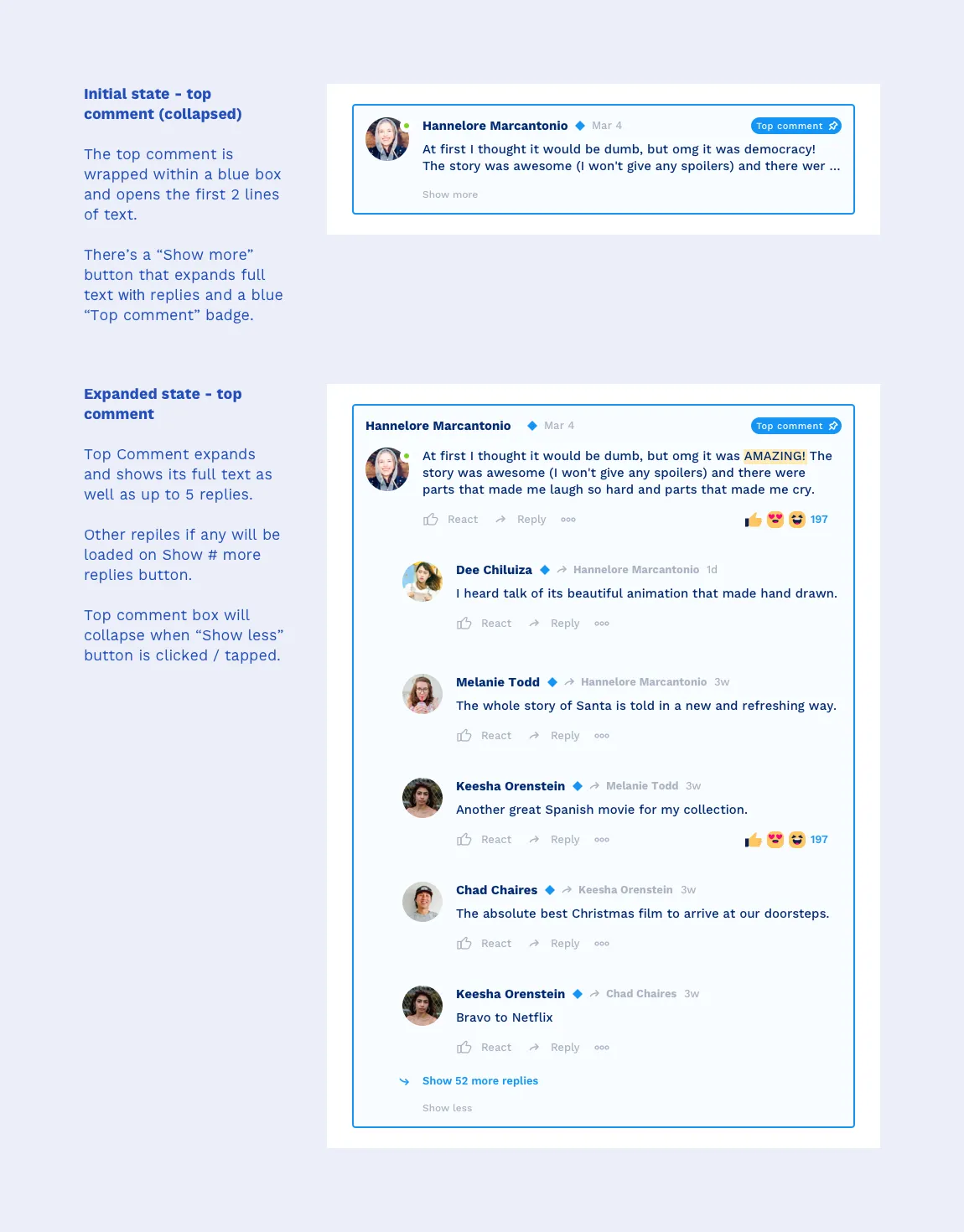
Top Comment creates a little healthy competition and surfaces the best contributions. It ranks by total replies to an original comment, and to save space, especially on mobile, it shows the first two rows of text with a “Show more” button that expands the rest and up to five replies. It refreshes no more than hourly, and publishers can switch it off from the admin.
Top terms and reactions
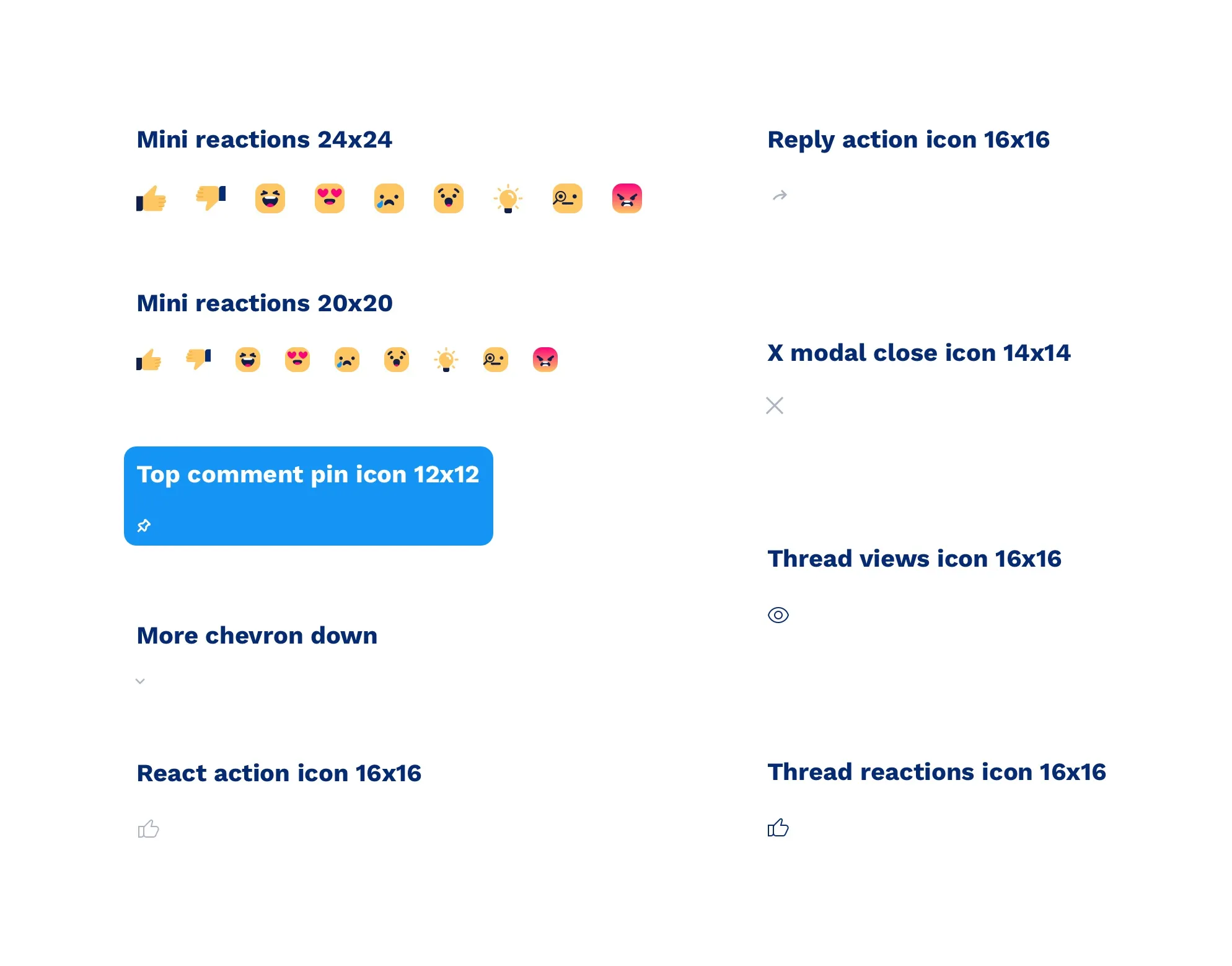
Top Terms shows up to five of the most-used words across the thread, so readers can filter to the comments on a specific topic. For reactions, I cut a library of more than a hundred emoji down to a focused set of votes and emotions. Fewer, clearer choices reduced the toxic edge a giant emoji wall invites, and produced clean, comparable data the publisher could benchmark and surface in the overview.
Isolated assets for handoff
As a standard part of the process, I prepared isolated, export-ready assets and the interaction documentation engineering needed to build the unit across desktop and mobile, including states and notifications.
Results and takeaways
The redesign gave the unit something to differentiate on, standardised how engagement gets measured, and trimmed the features people weren’t using. It focused on observers, understanding their behaviour to get them engaged and, ultimately, to create an account, all pointed at the longer-term goal of a more data-focused product.