Design System · SaaS · 2022
Headless CMS Redesign
Built the Plenum design system and a feedback-driven process that made a sprawling headless CMS feel coherent.
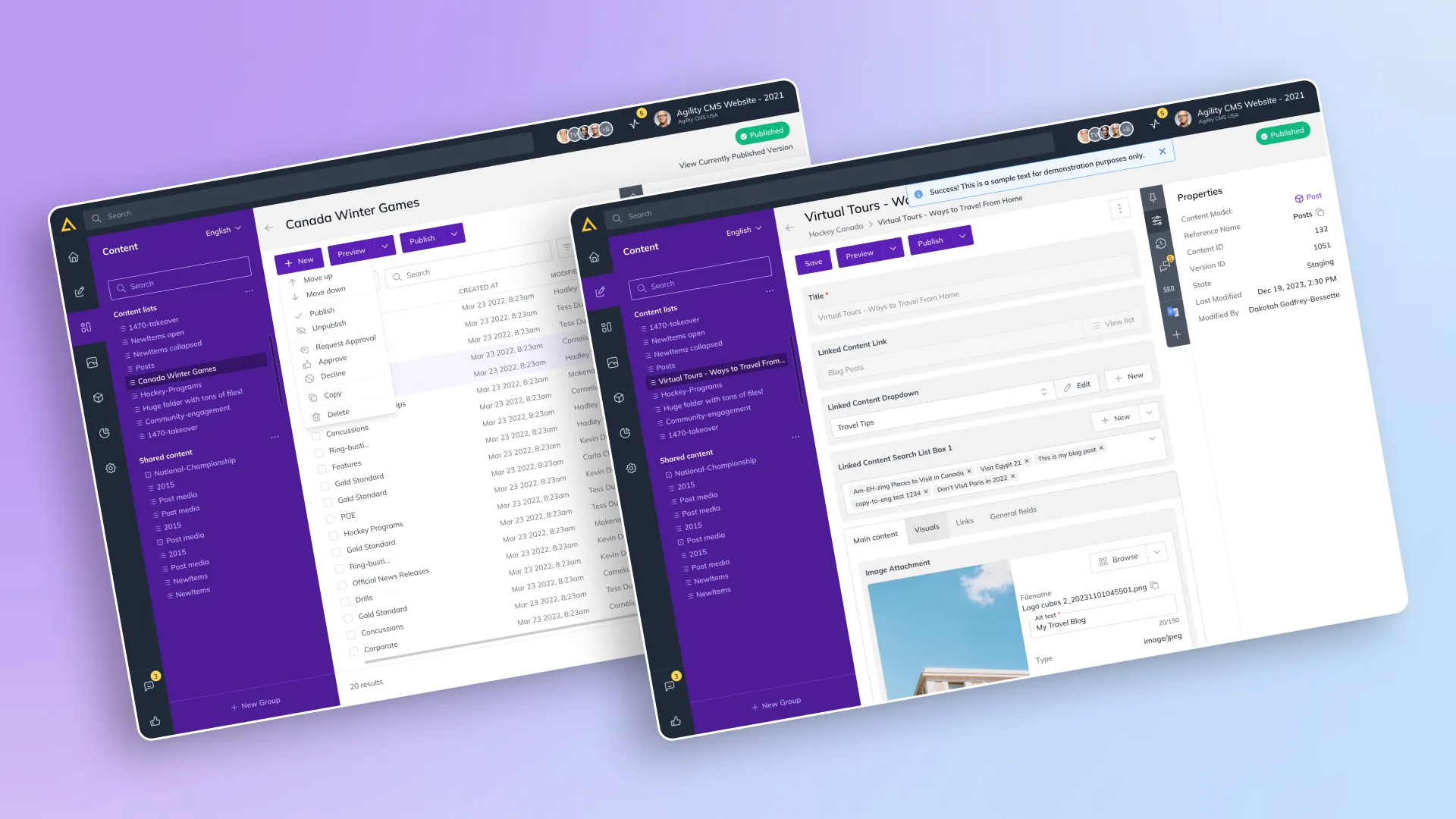
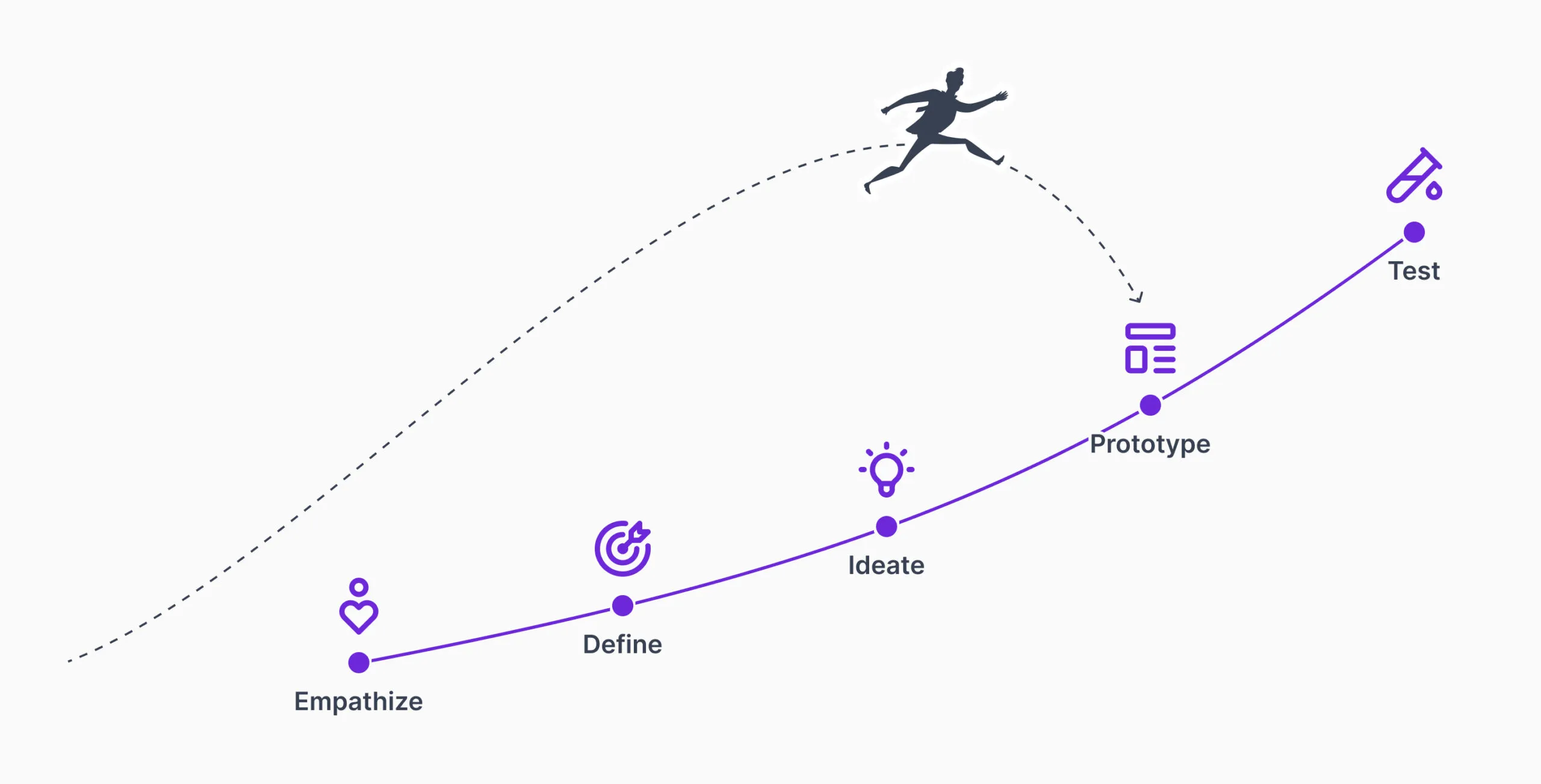
This project did not start the textbook way. There was no discovery phase. We went straight into prototyping to refresh the UI, which is where the product’s UX maturity was at the time. As the work went on, that changed. What began as a visual update grew into a proper user-centred process, and I helped move the team there.
My role
I led the design from first idea to post-launch improvements. I aligned goals and priorities with design, development, and customer success, and kept those teams coordinated. To make the experience cohesive, we built the Plenum design system, a user-centred framework meant to grow with the CMS. Even without a discovery phase, research became central: at each stage I ran surveys, interviews, and usability tests, then organised and acted on what came back. We ran Pixel Perfection workshops with developers to hold design integrity from prototype to production.
Success metrics
We tracked engagement (session length, page views, return rate), task completion rates for core jobs, WCAG 2.1 accessibility compliance, post-launch satisfaction from surveys and interviews, and the volume of usability-related support requests. Together they told us whether the redesign actually made the CMS easier to use.
Understanding the existing solution
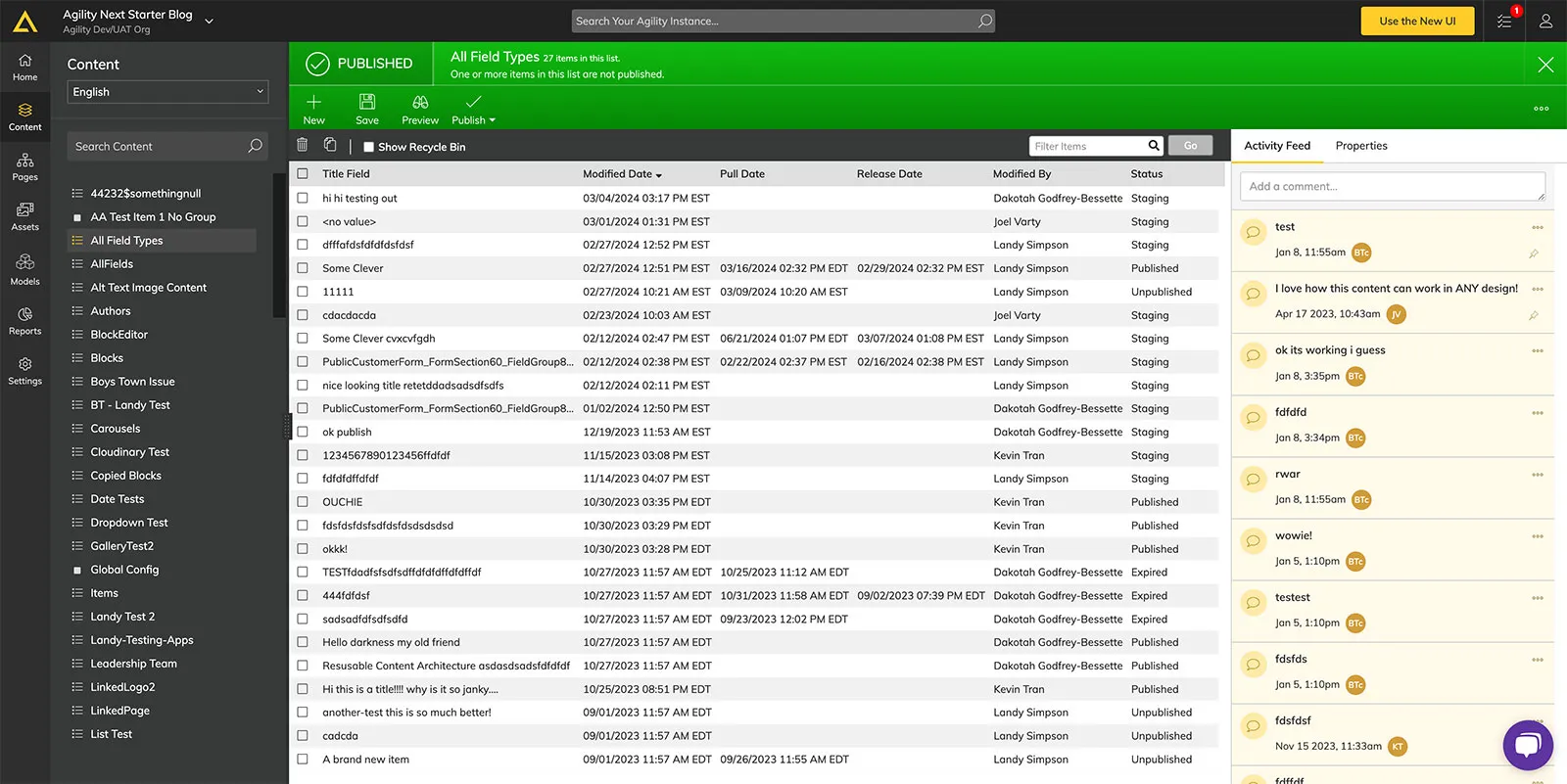
I started by living inside the CMS to map what it did well and where it fell short. I was less interested in surface polish and more in whether the platform could give users a more meaningful experience. I studied user input and the current design to find the changes that would matter most, focusing on the features that improved how the CMS actually worked day to day.
Research with feedback loops
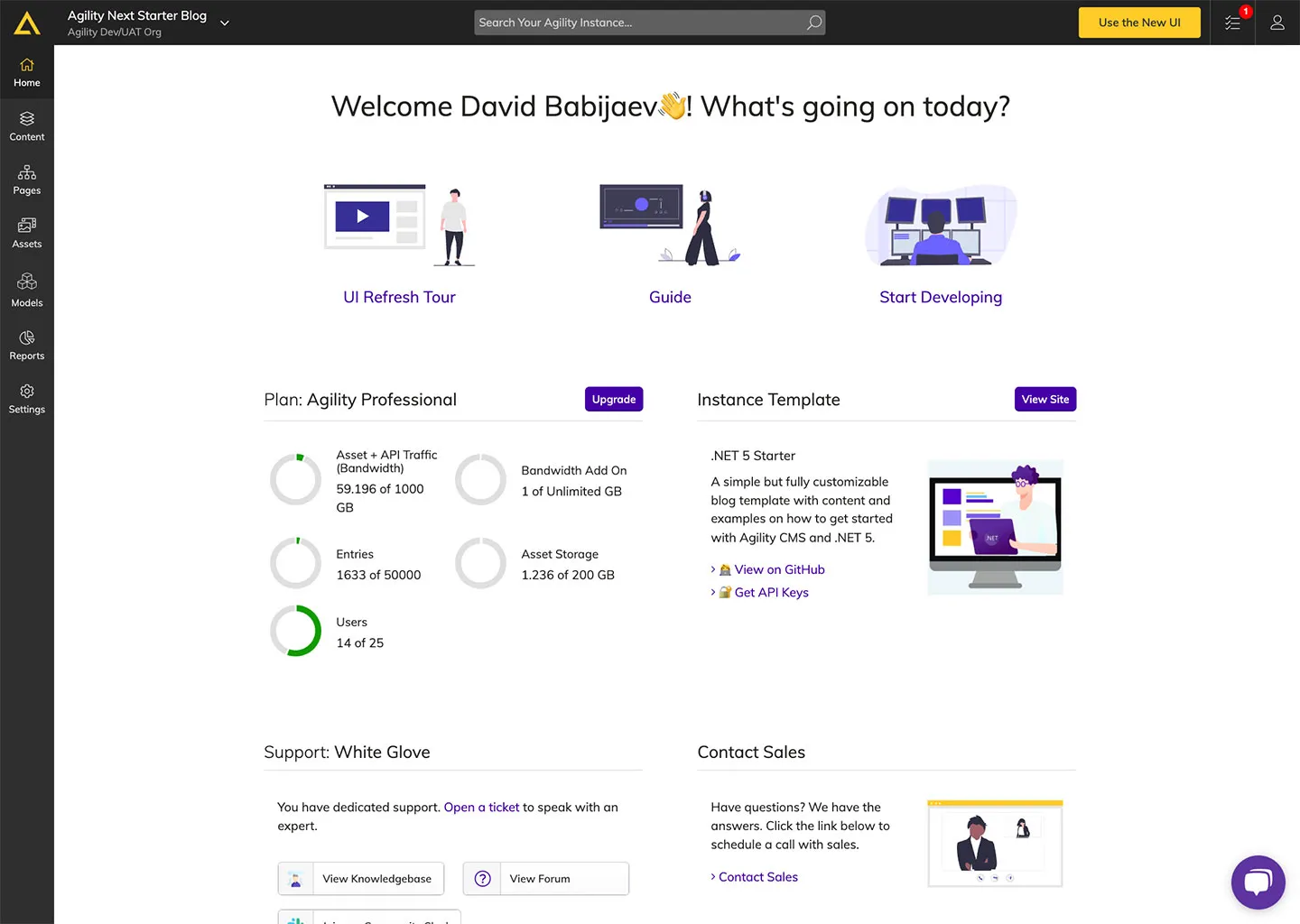
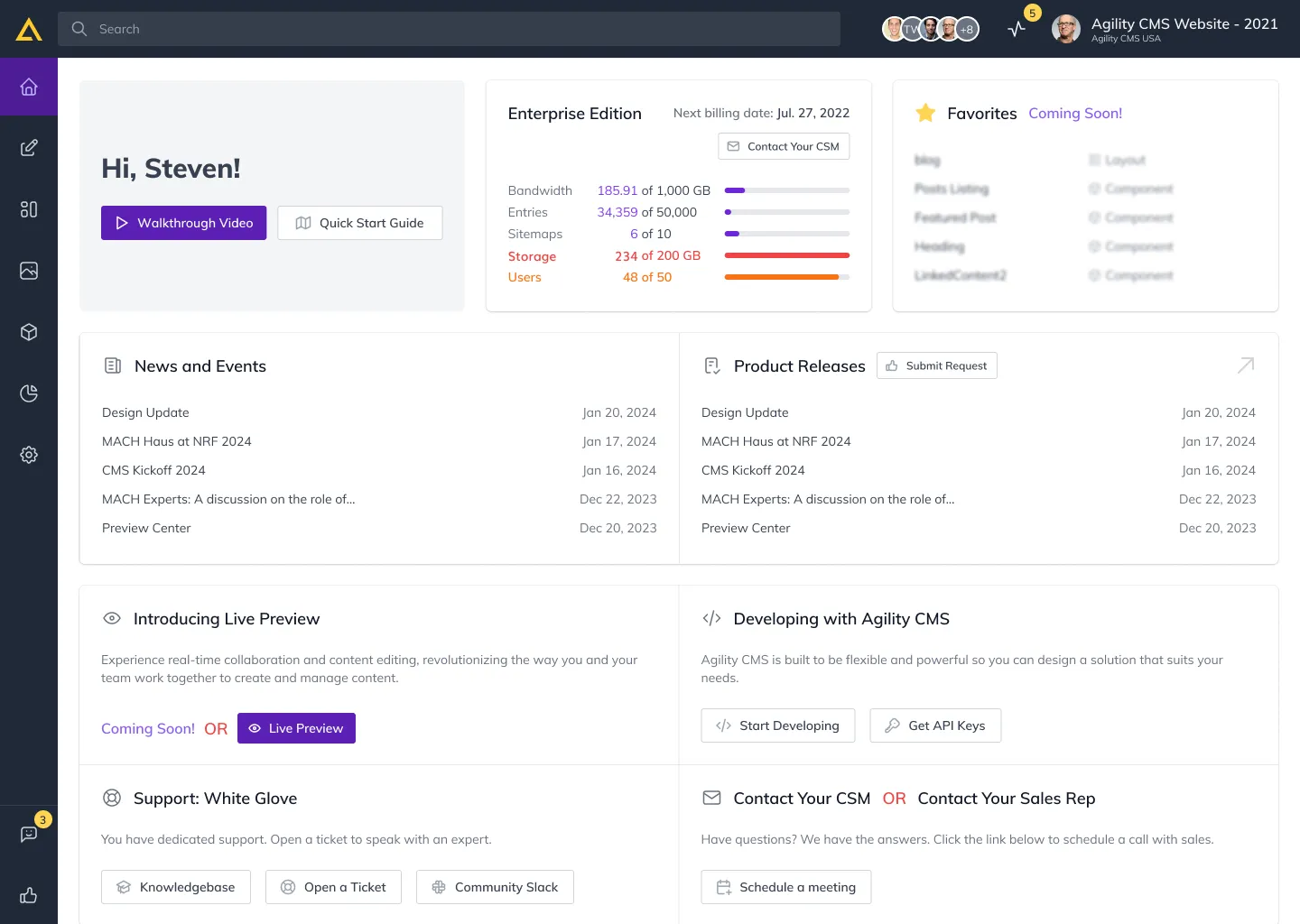
To keep users in the process, I ran a continuous feedback loop with qualitative and quantitative research in parallel. Interviews and usability tests gave us a direct line to what people needed and where they got stuck. Surveys and analytics added the broader patterns. Those insights drove concrete improvements: a simplified home dashboard, smoother content workflows, clearer digital asset management, flexible layouts for more control over presentation, and an advanced search with filters that made content easy to find.
Initial concepts
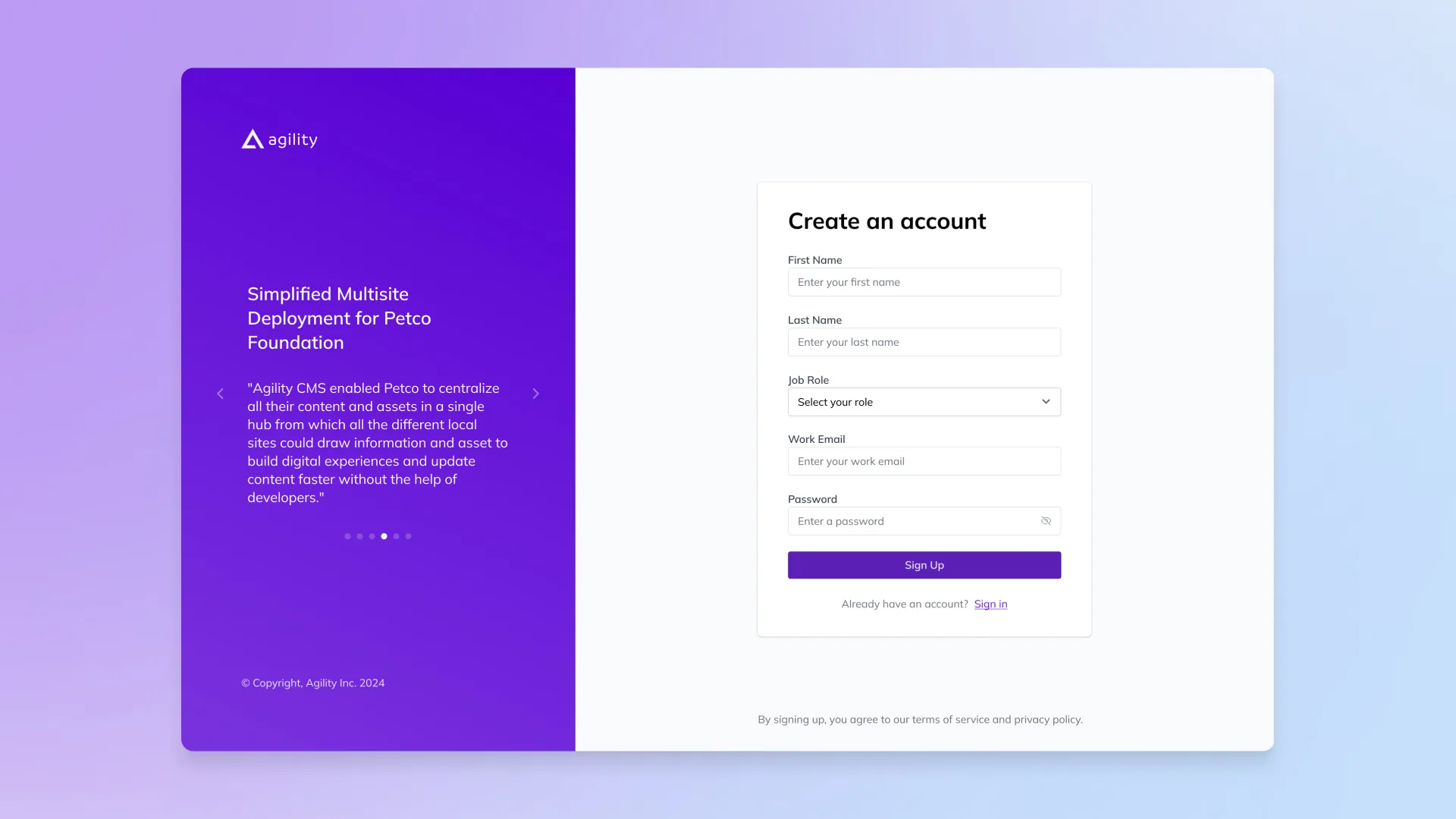
Simplicity and security led the first round. Sign-up and login moved to a split-screen layout with visible security cues, role personalisation, password recovery, and single sign-on. The content view got a cleaner palette, simpler navigation, and a global search.
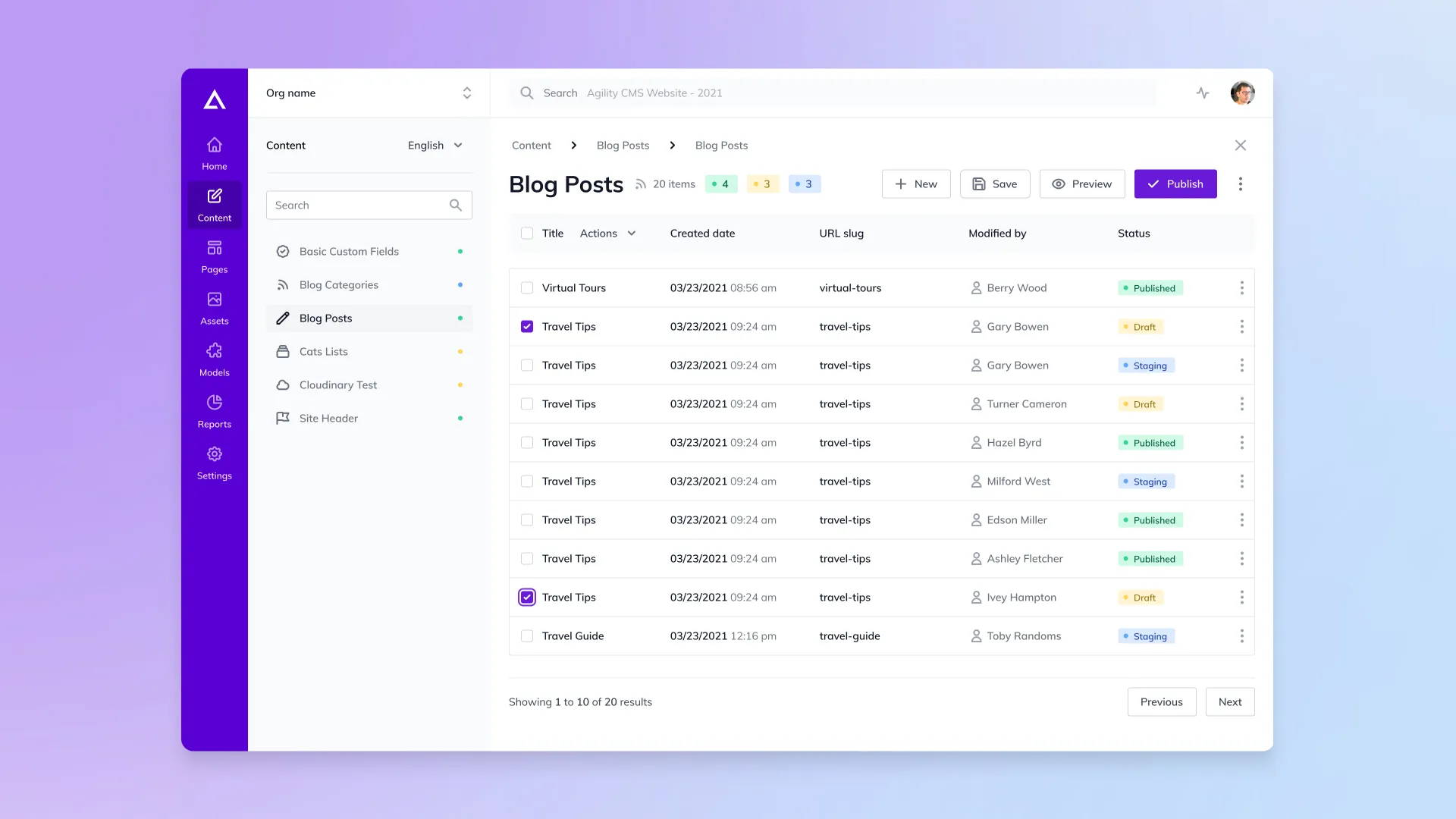
The Plenum design system
Plenum gave the CMS visual and functional consistency, a single design language flexible enough to grow with the product. I started from design trends and the CMS’s real needs, then set core principles: simplicity, scalability, usability. Components were built to be reusable and consistent, with integration guidelines for applying them across the platform, and the whole team was brought along so Plenum stuck.
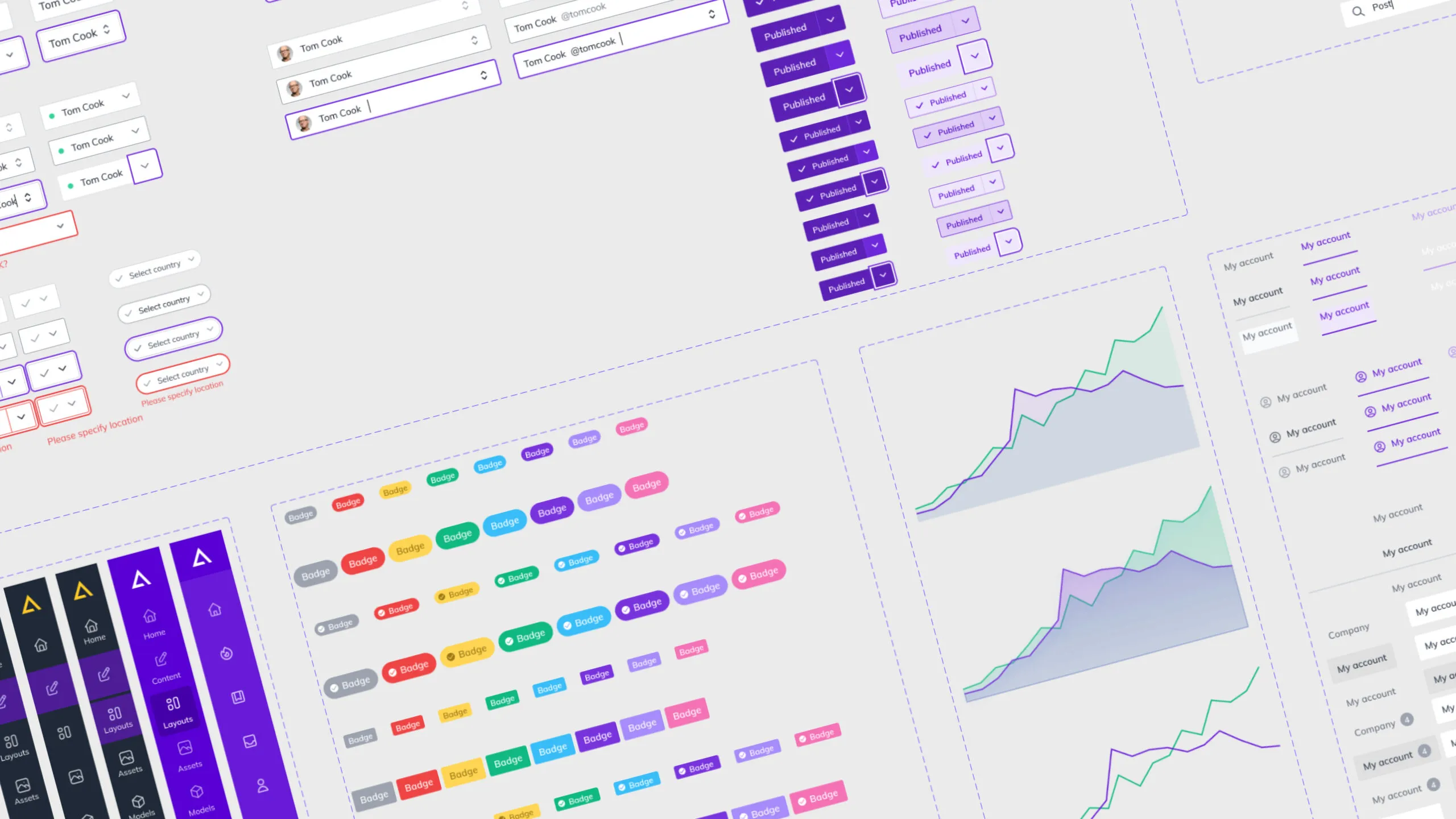
We used Storybook to make Plenum live. Teams could build and test components in isolation and reuse them across the platform, which kept everything consistent as the CMS grew.
He led UI redesigns, established a unified design system, and improved brand consistency across the board.
Harmonie Poirier · Head of Marketing, Agility CMS
Home dashboard
The goal for the dashboard was a faster, clearer start. Not just a fresh coat of paint, but simpler navigation and quicker access to what each type of user needs most. I designed a clean, focused layout so people could log in and get straight to work.
Content management
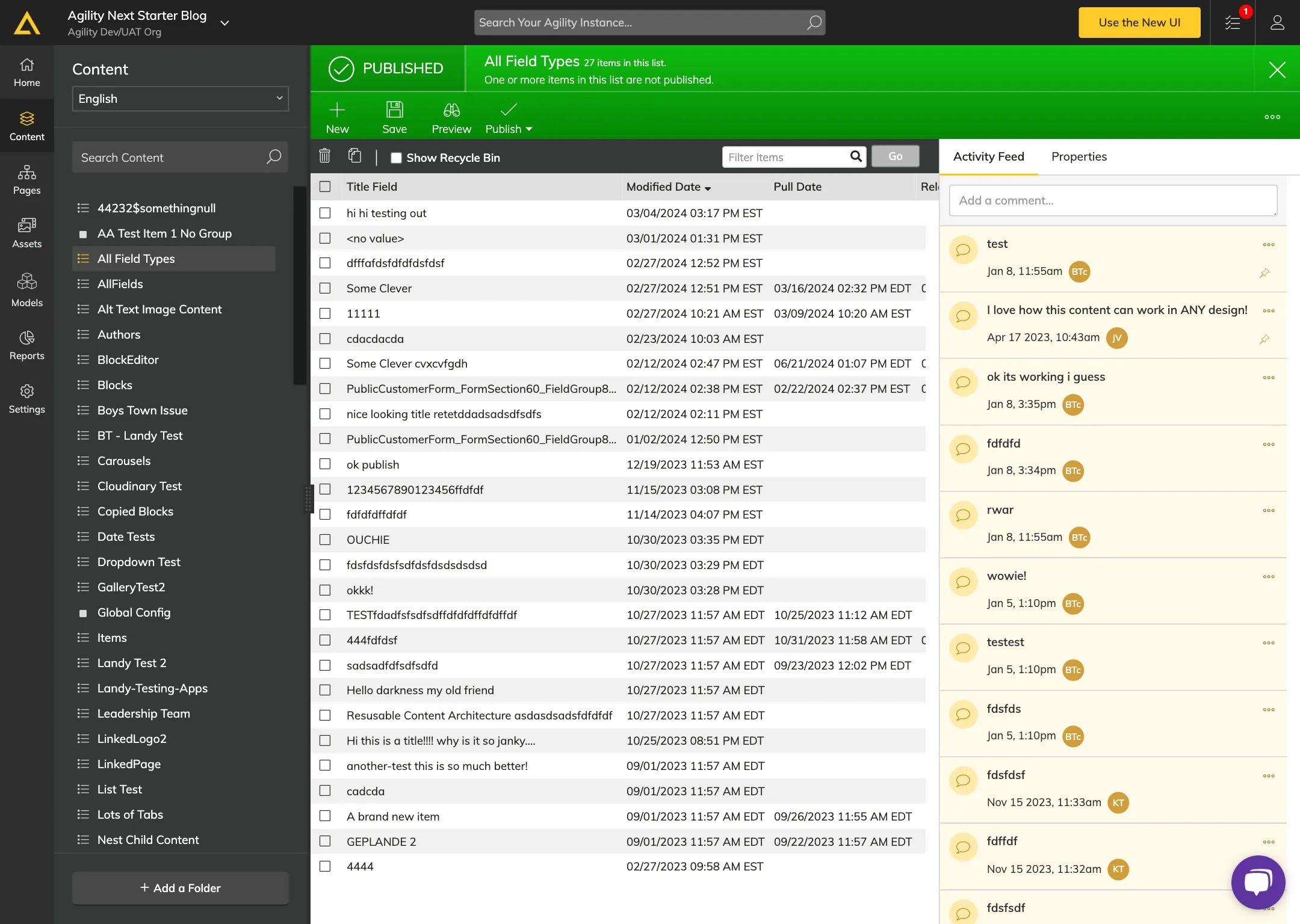
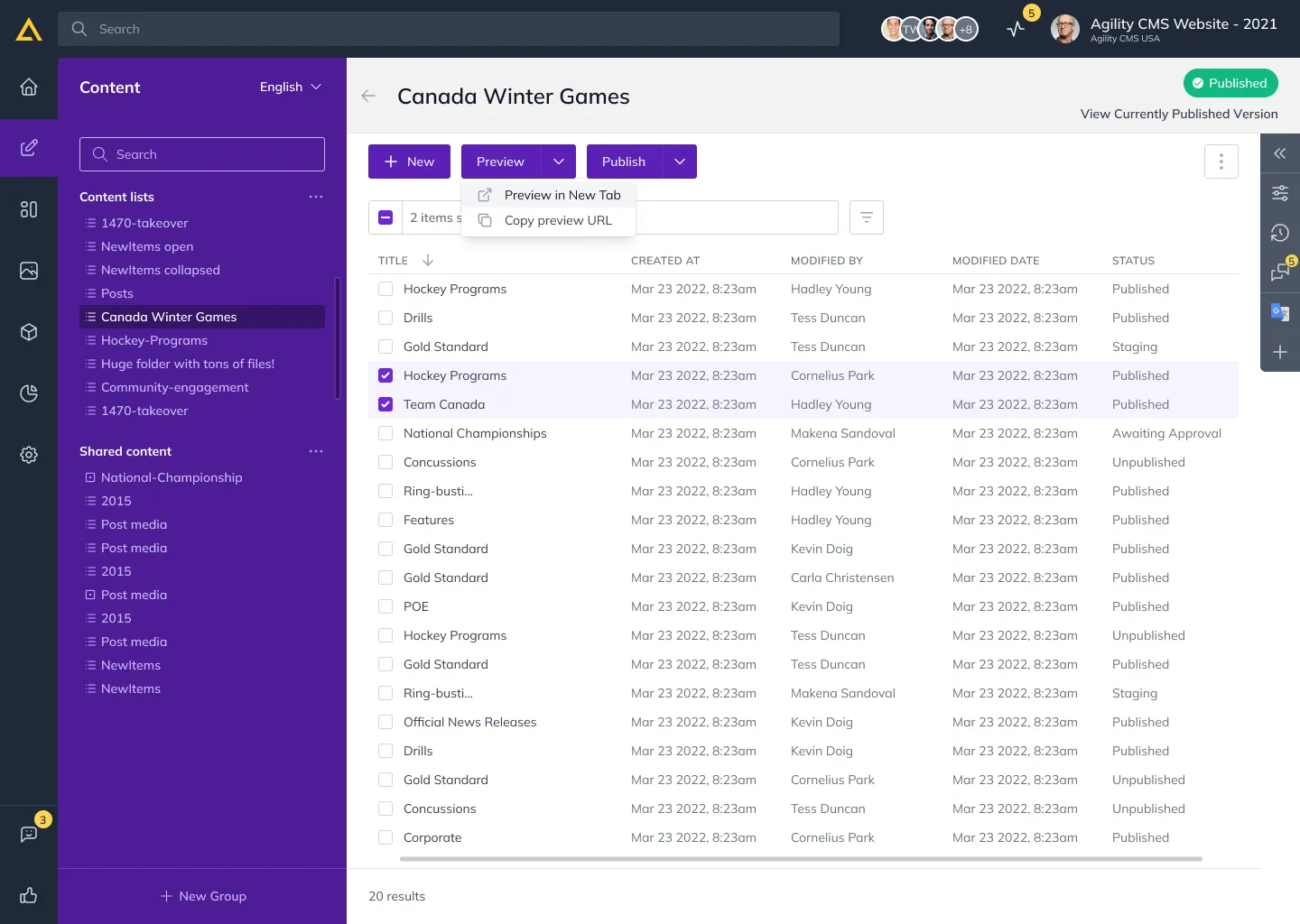
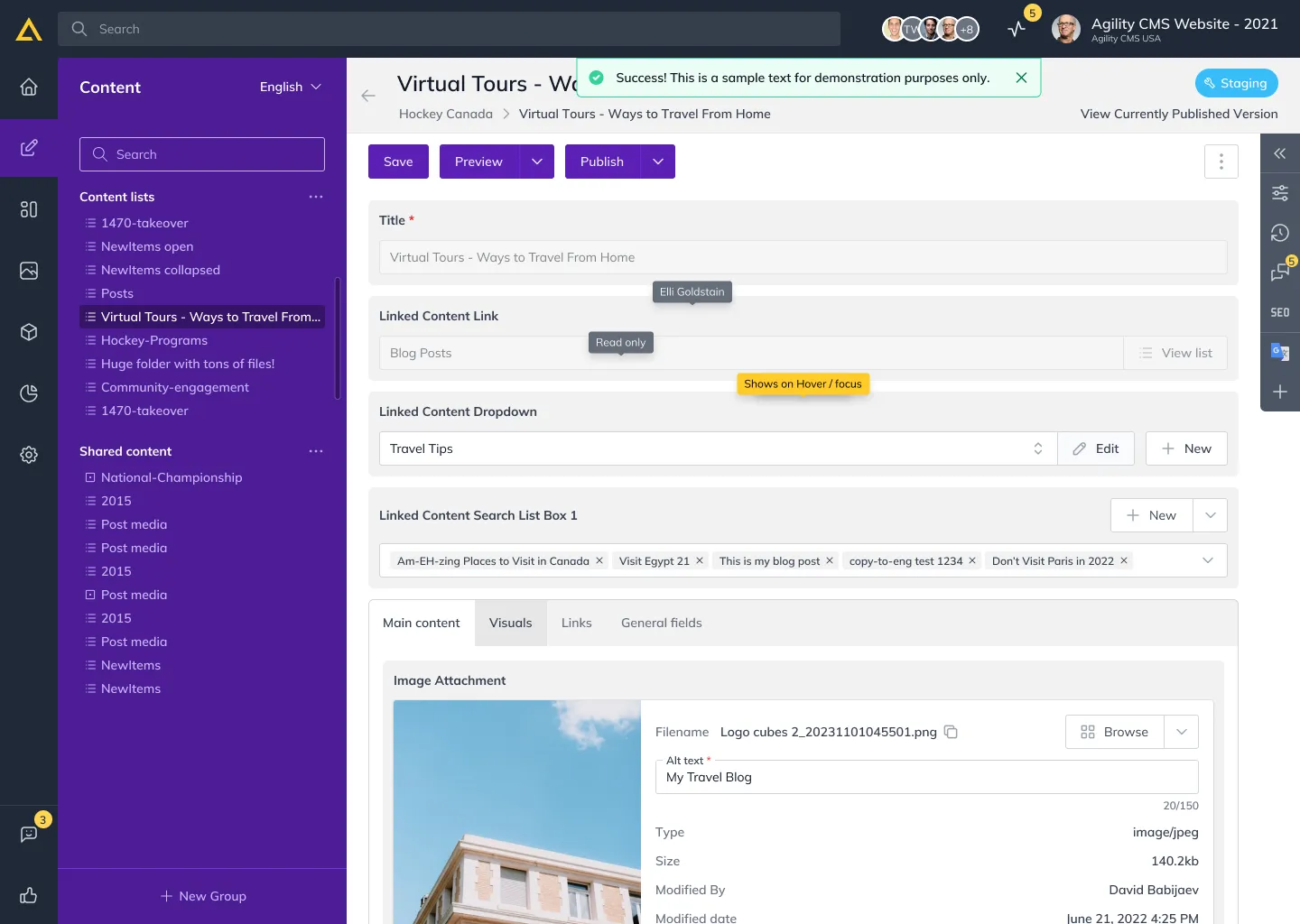
I redesigned content management around what creators and developers actually do, simplifying the interface and the way content is organised. With direct user feedback, workflows lost steps and gained confidence, so day-to-day content work became a clear, pleasant part of the platform.
Pages to Layouts
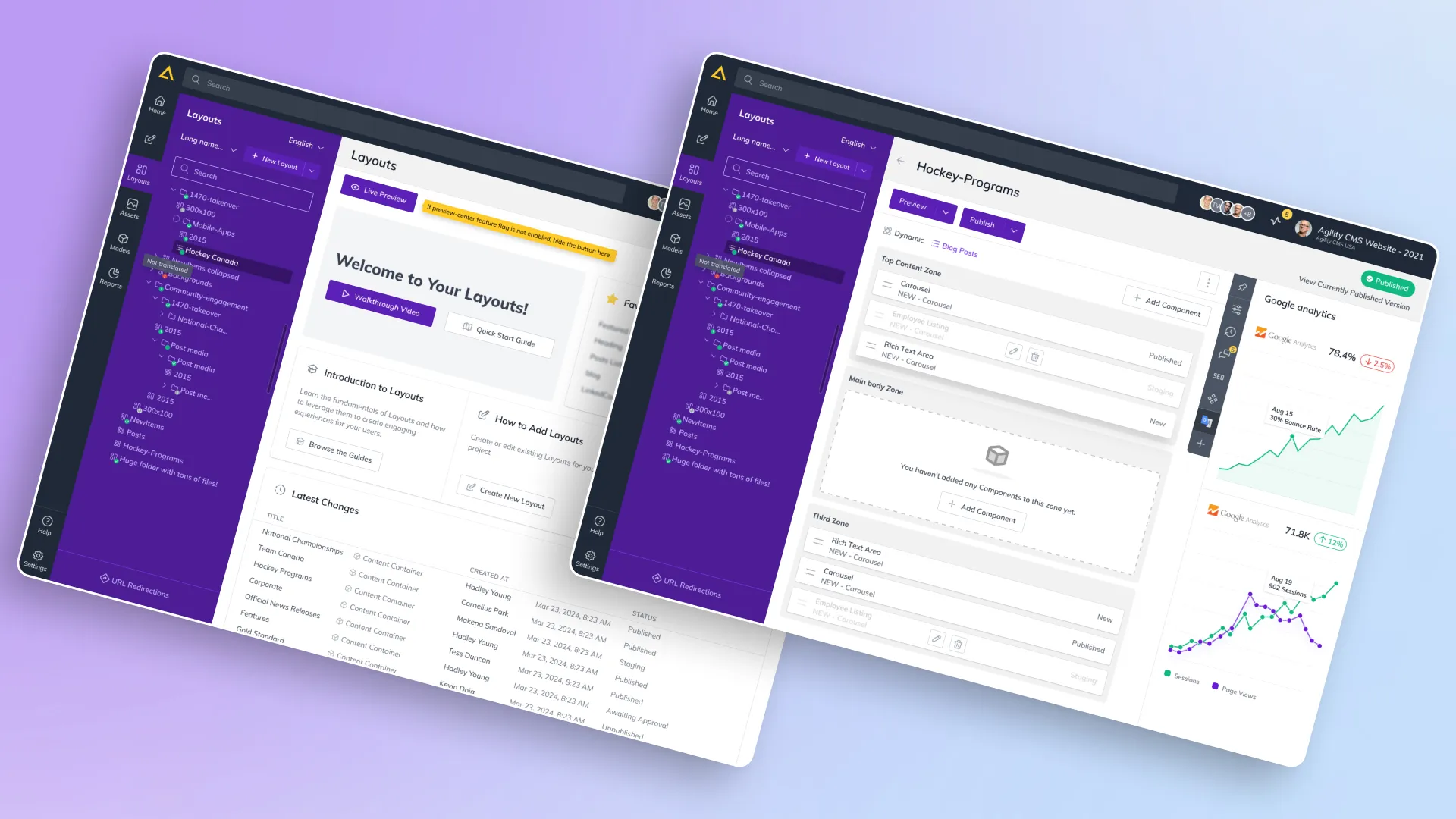
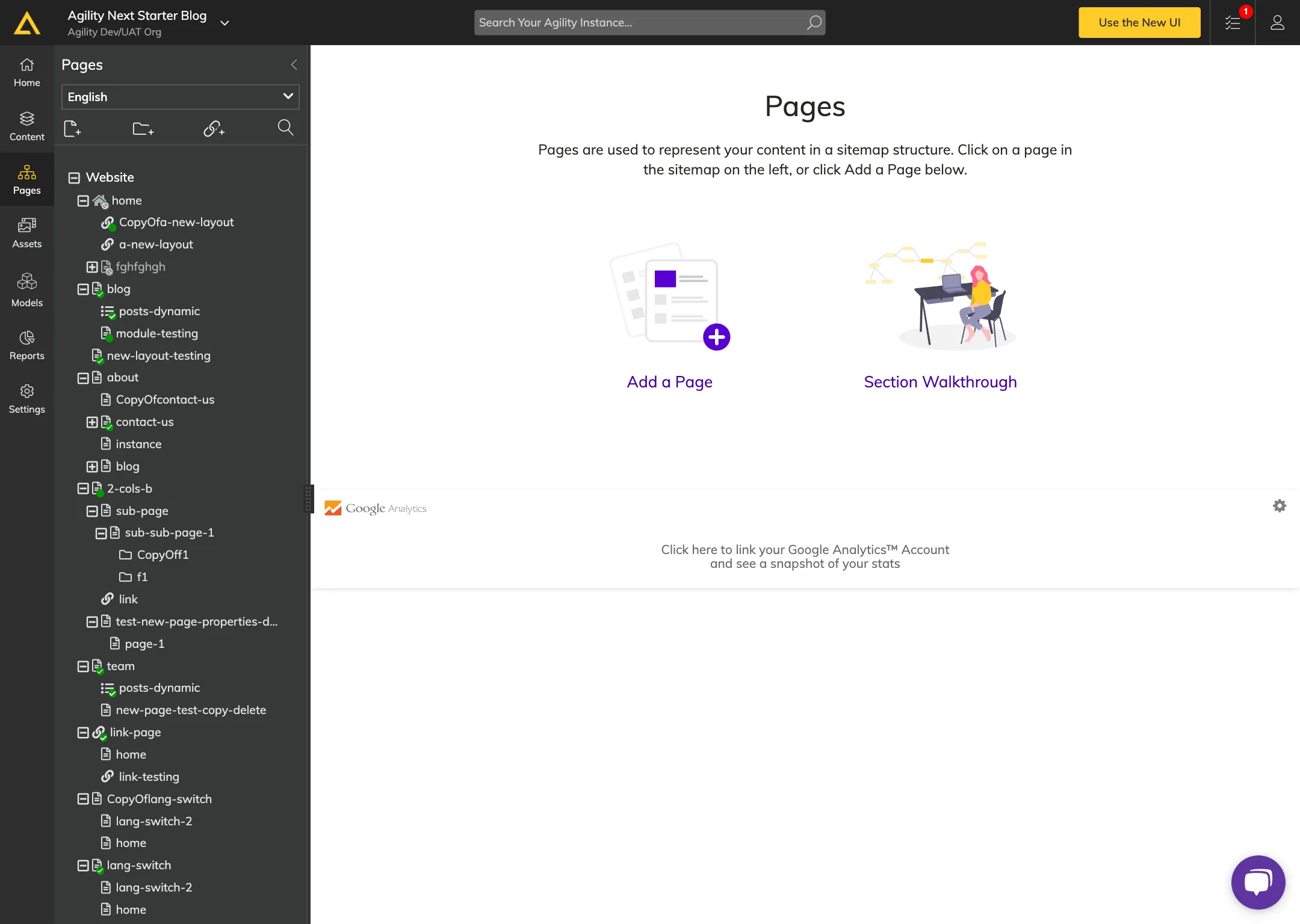
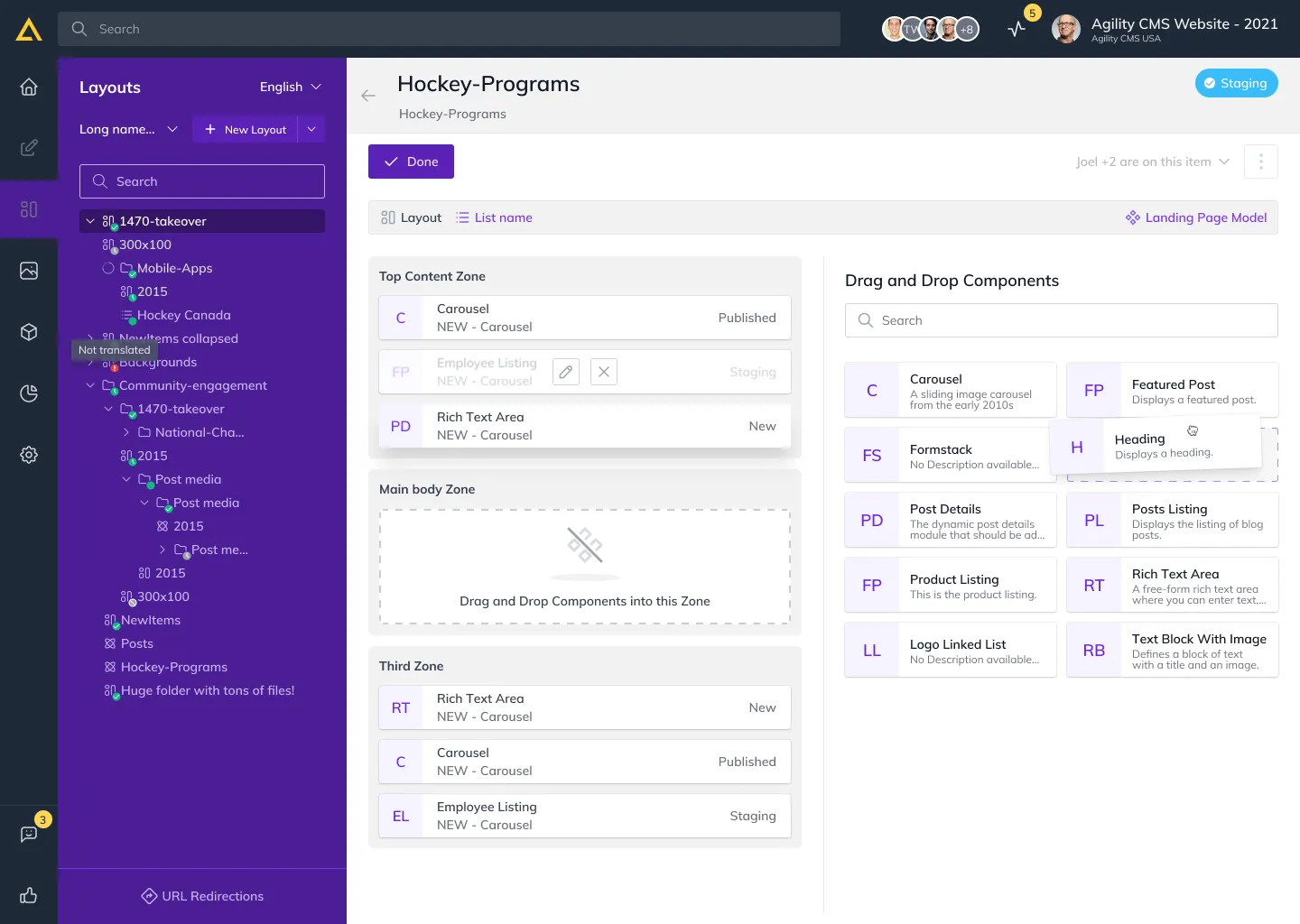
The boldest change was turning the “Pages” section into “Layouts,” so the CMS matched how people actually think about content. It meant rethinking the interaction model, not just the label. Drag-and-drop let users place and see their content hierarchy directly, making structure easy to build and change.
Digital asset management
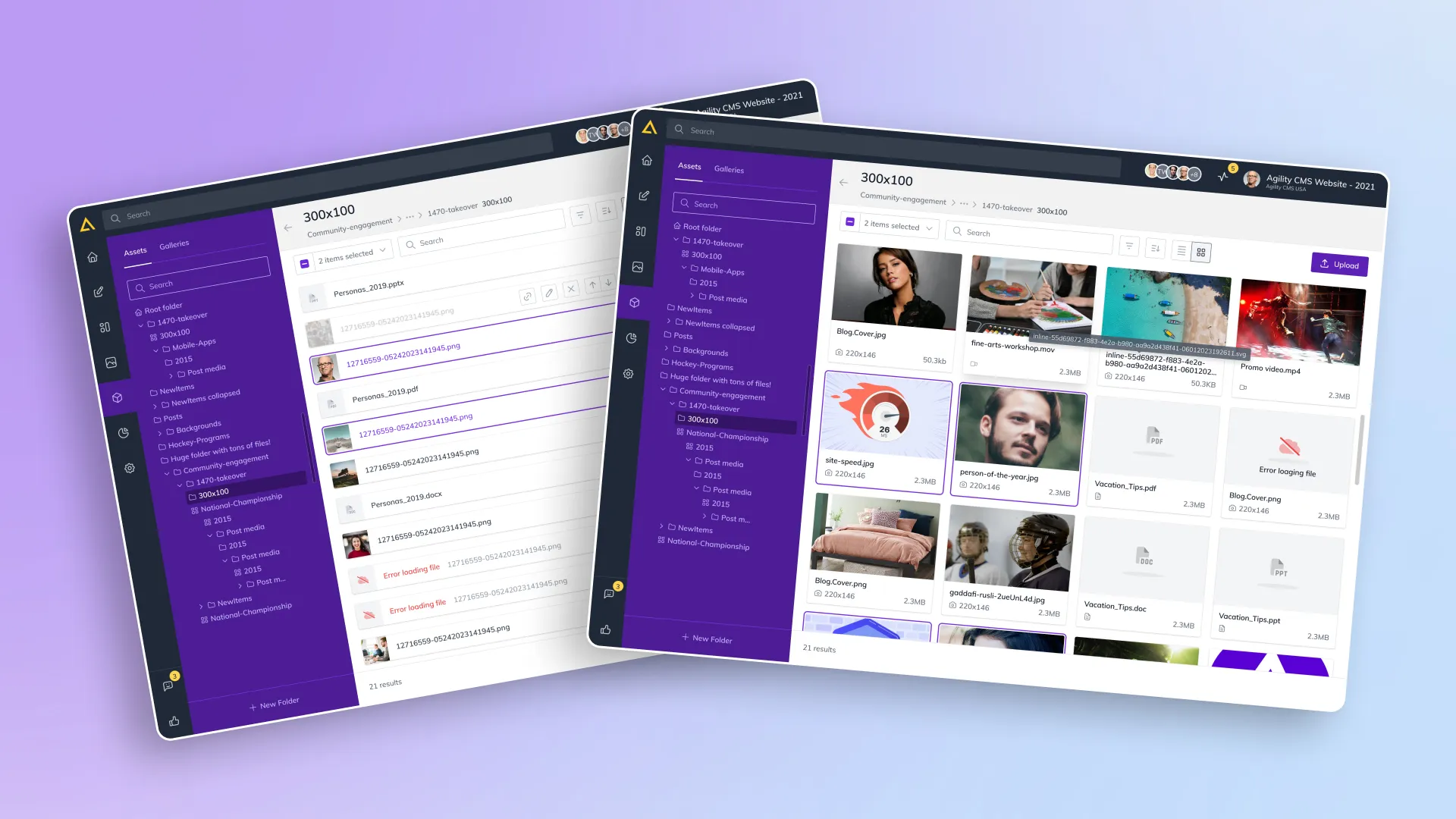
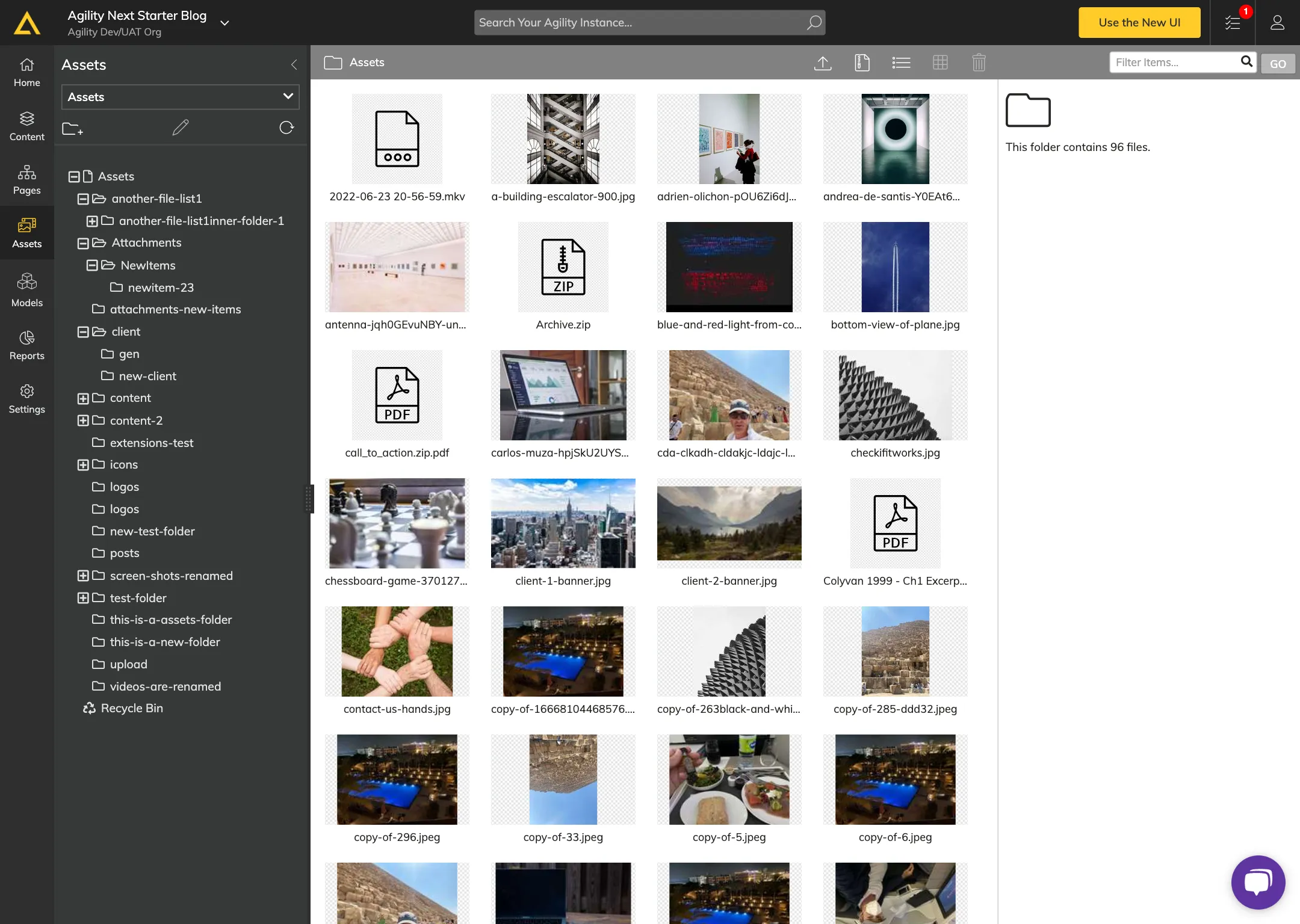
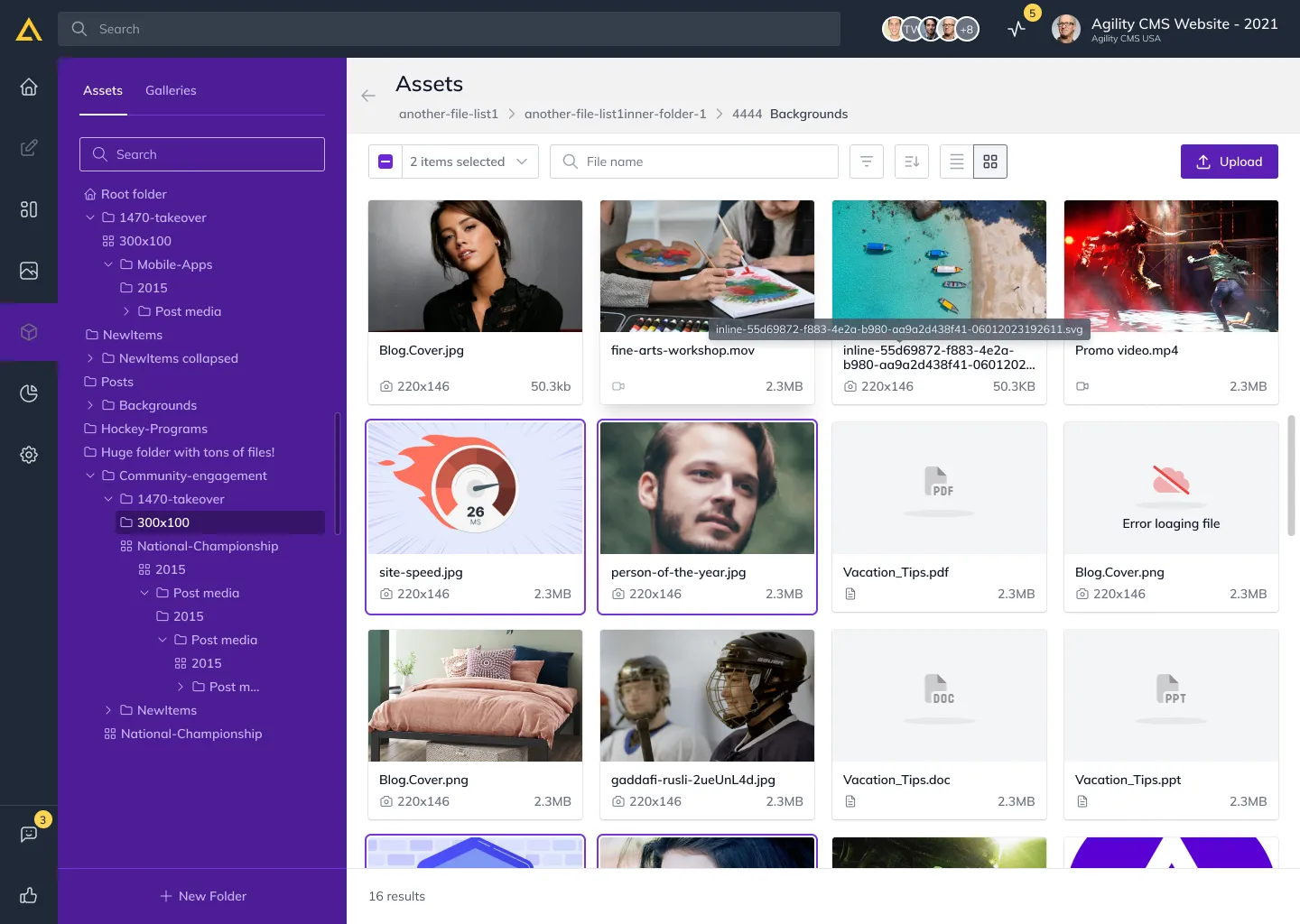
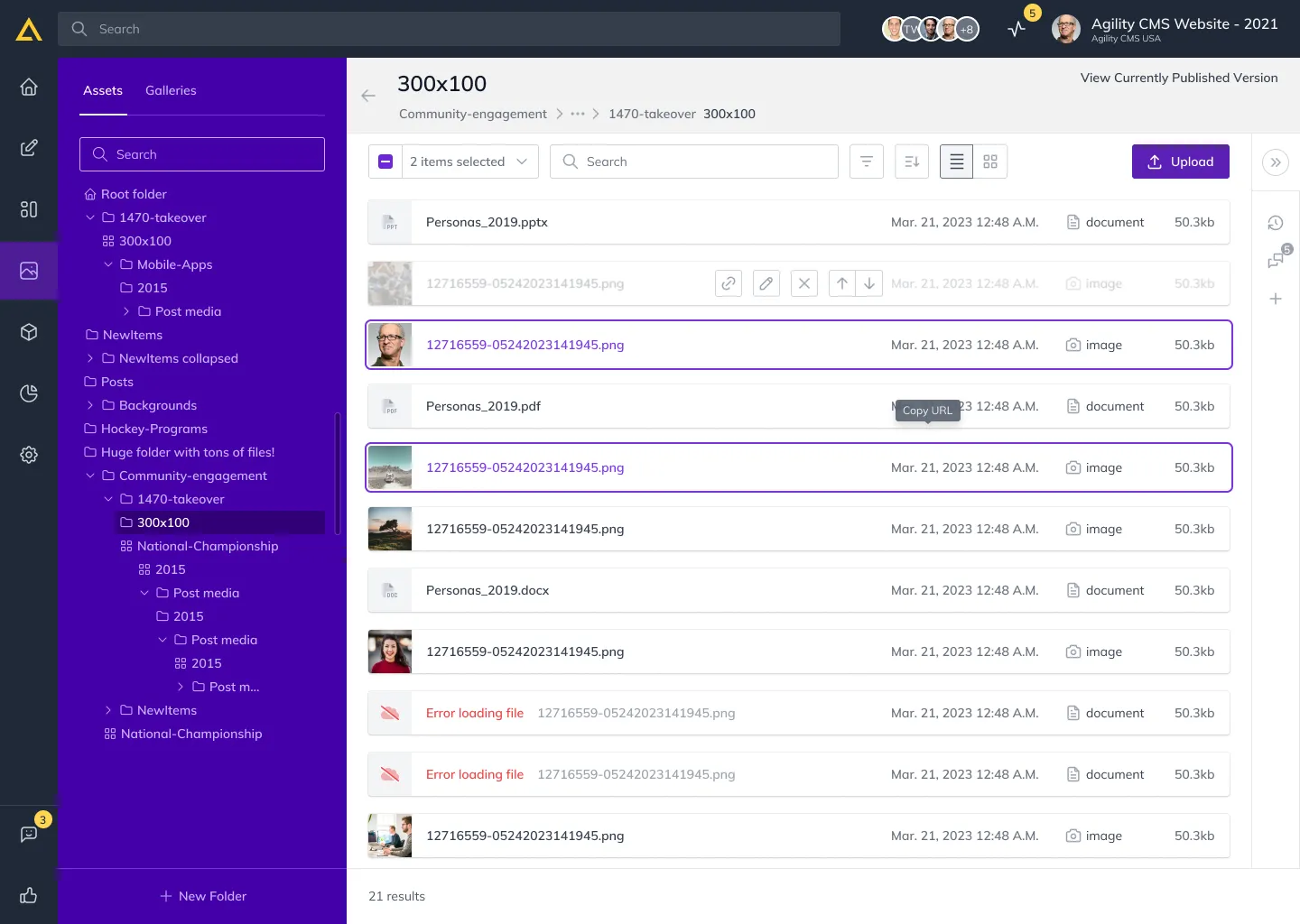
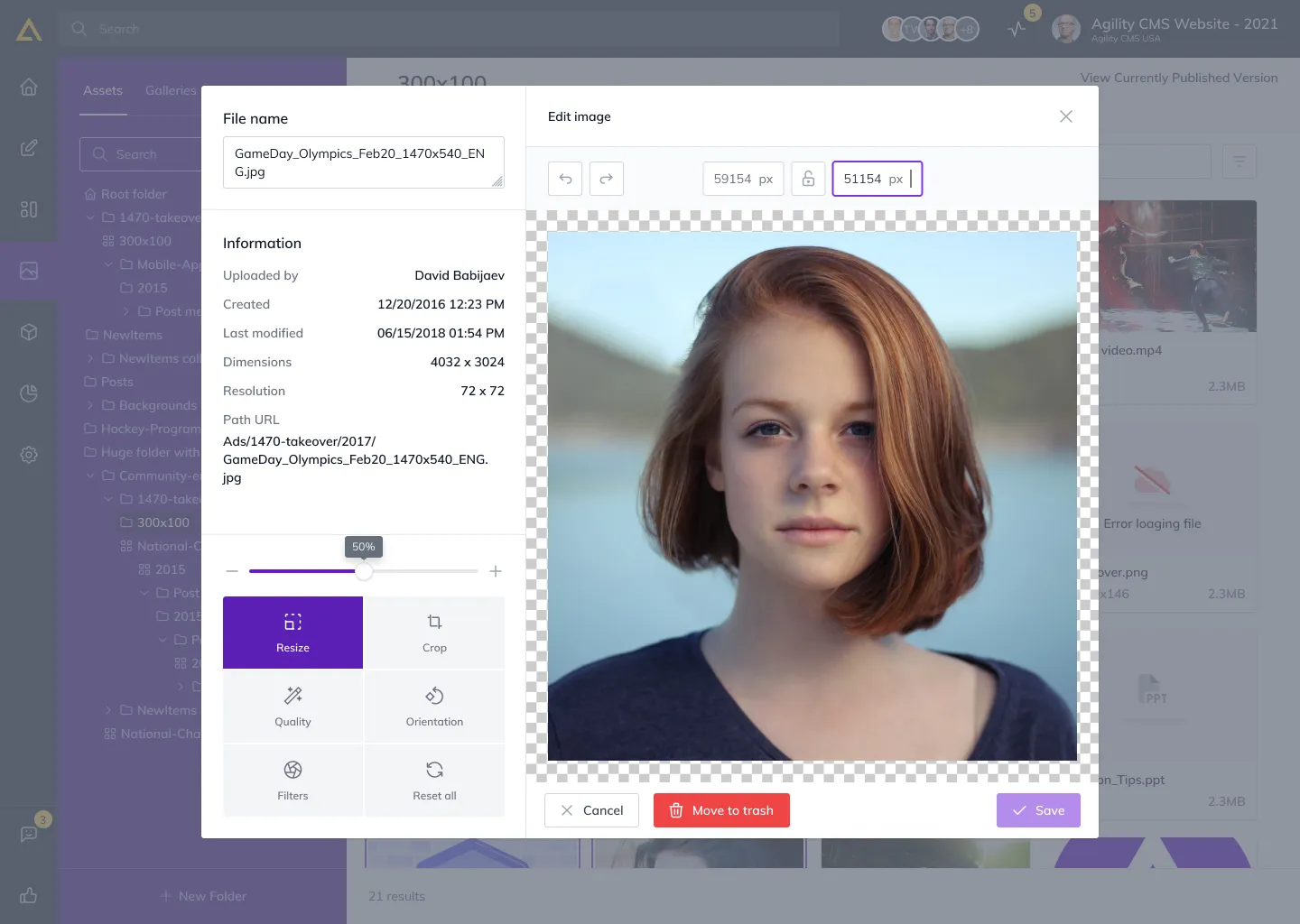
DAM was rebuilt around how people use and work with their media. I streamlined the flows, made filtering and categories more intuitive, and kept it consistent across media types. Clearer visual states and simpler filters let users find and manage assets quickly, in step with the rest of the CMS.
Models
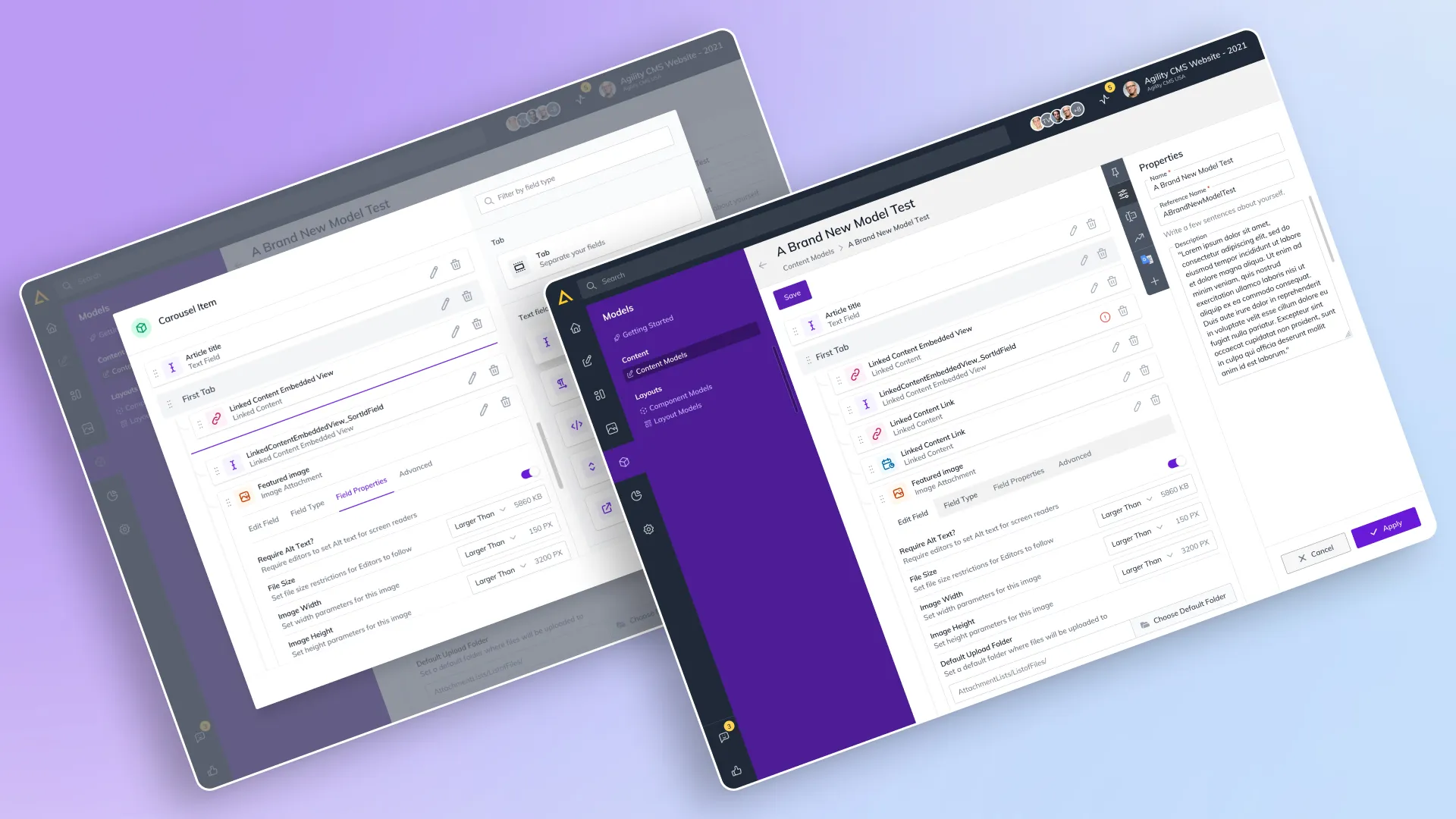
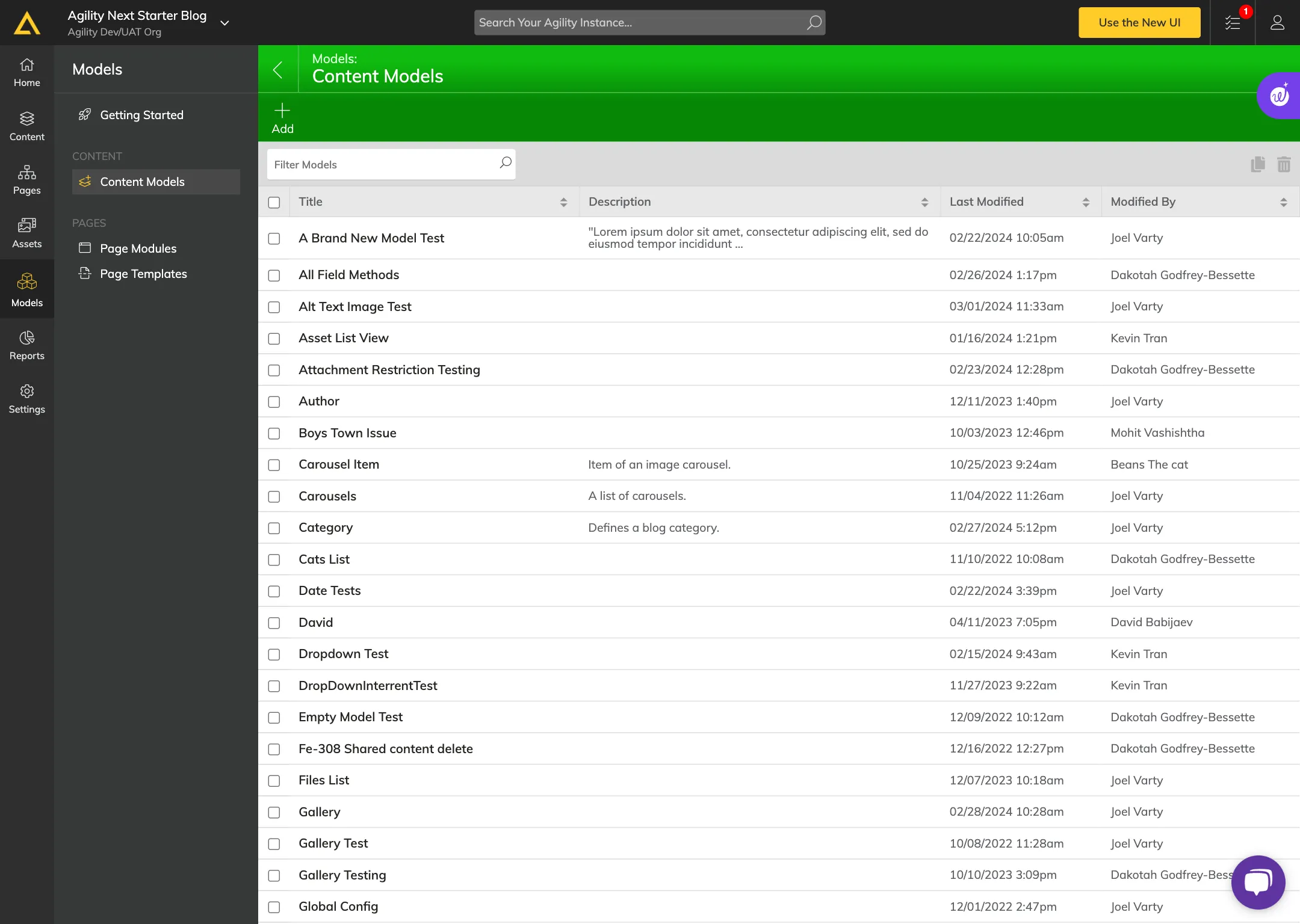
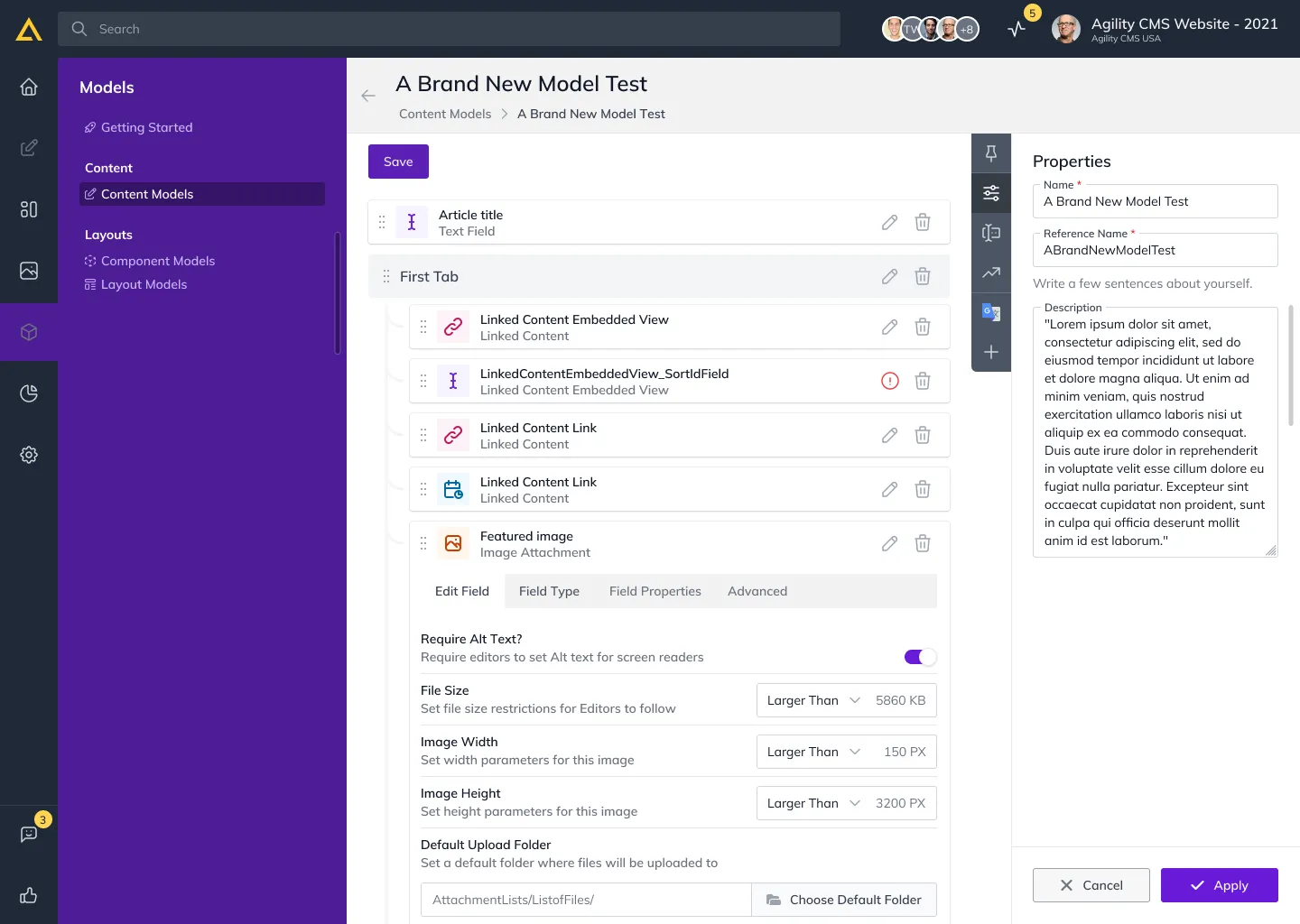
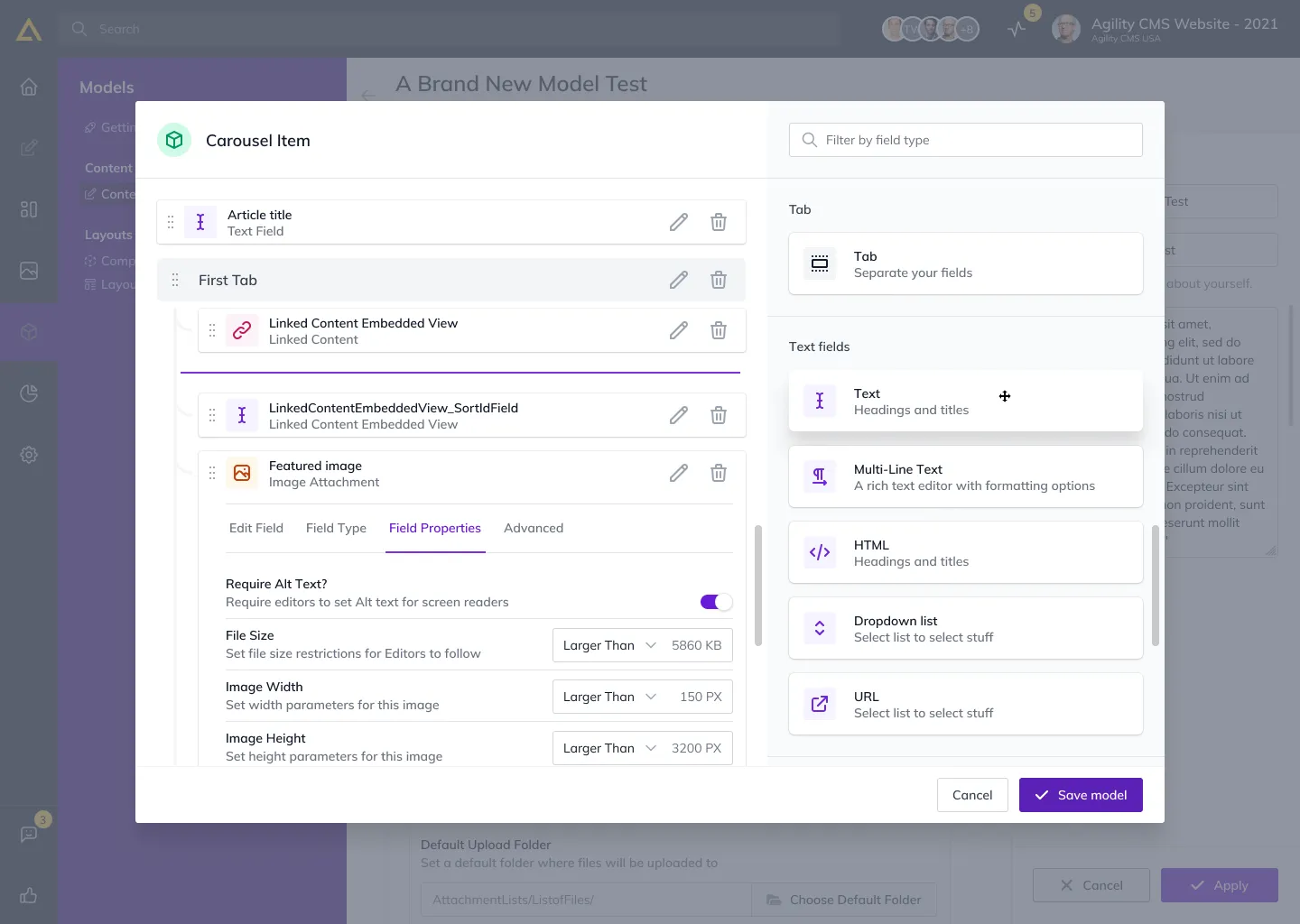
The Models redesign made managing content hierarchies visual and interactive. Drag-and-drop made reorganising models faster, and visual mapping let users see how models relate at a glance. It gave people a more active role in understanding and shaping a complex data structure.
Reports
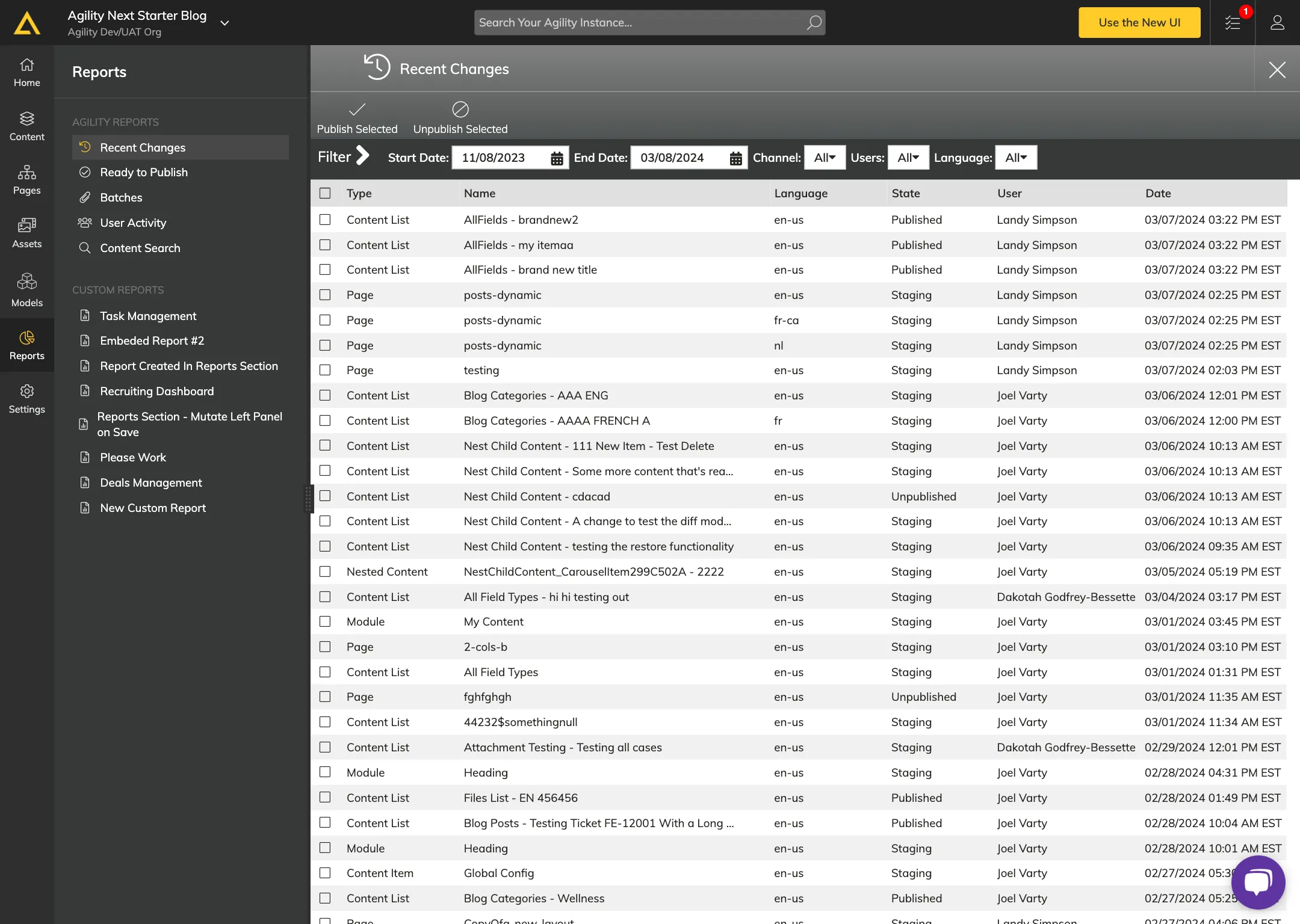
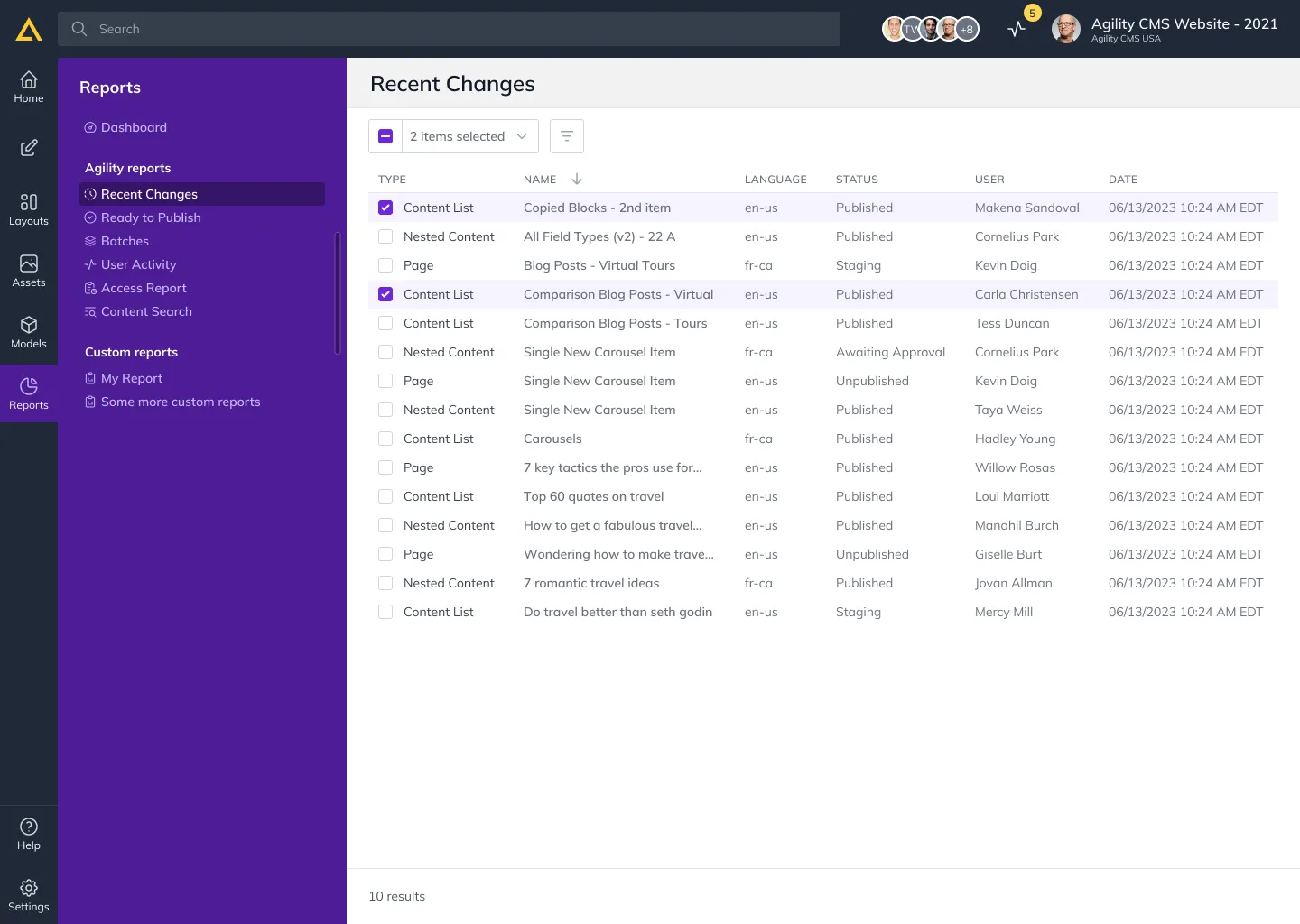
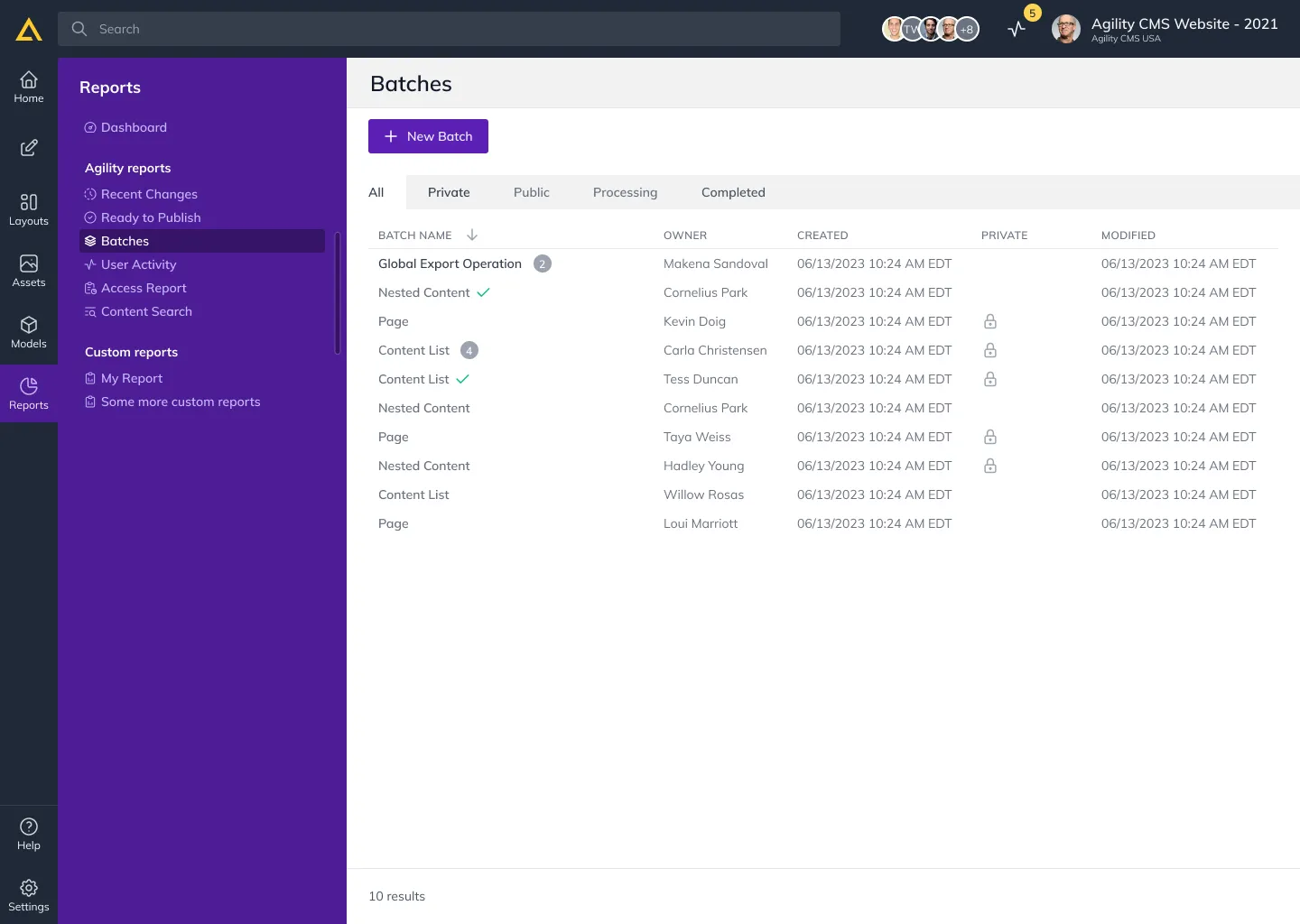
The new Reports section gave a clearer overview across Recent Changes, Ready to Publish, Batches, User Activity, and Content Search. The aim was accessible, well-organised data, so users could understand their content workflows and stay ahead of them rather than chase them.
Settings
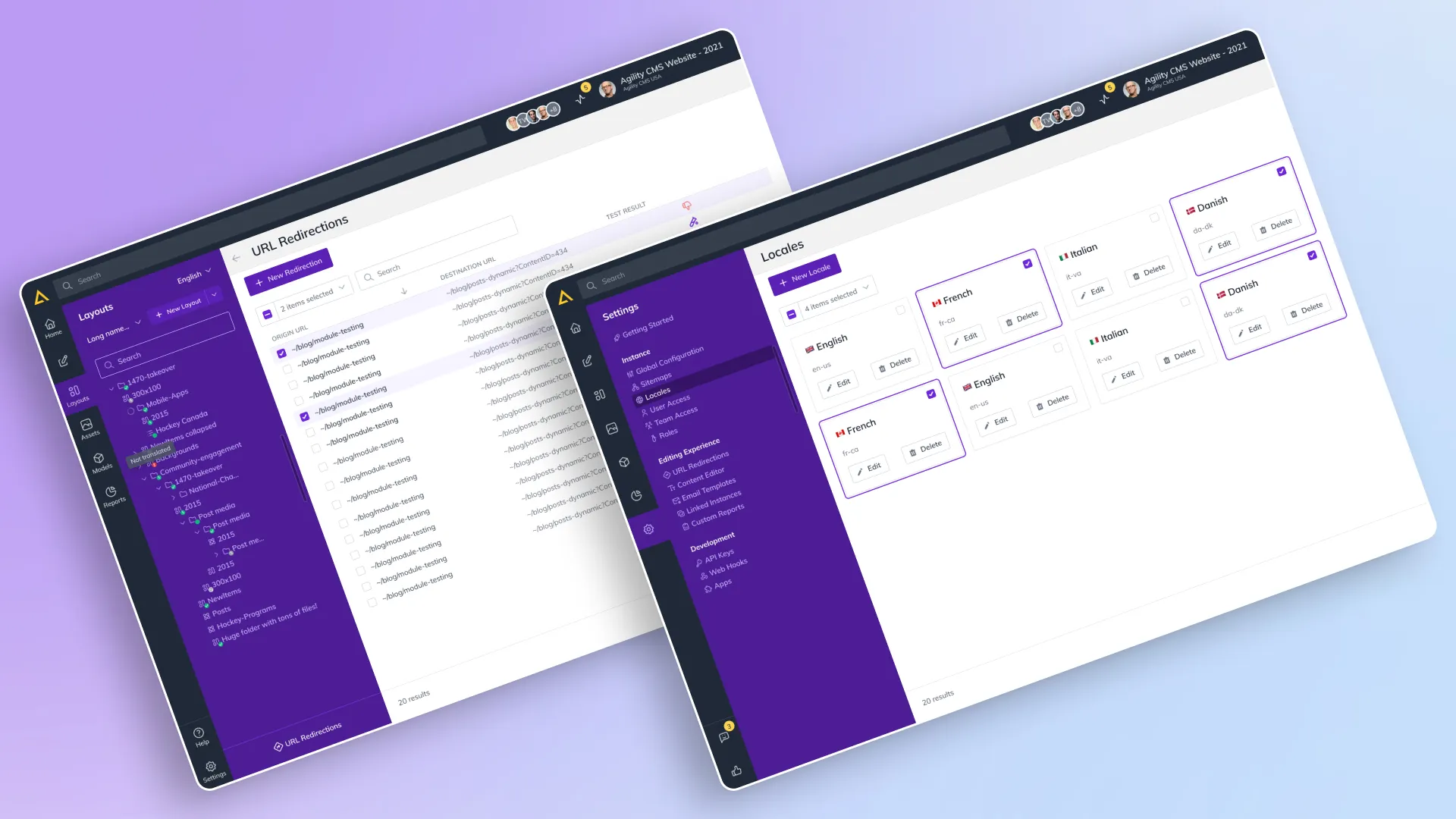
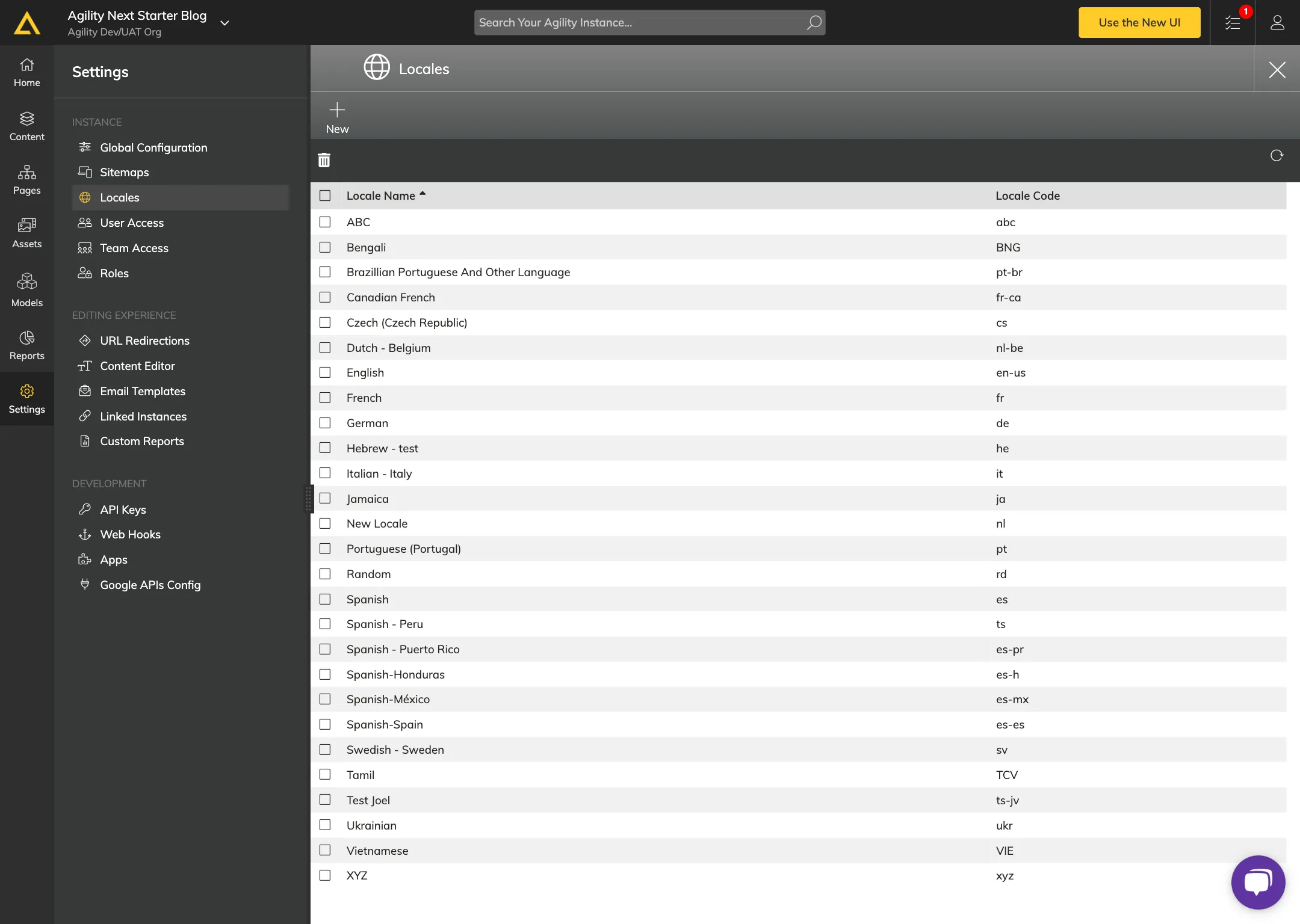
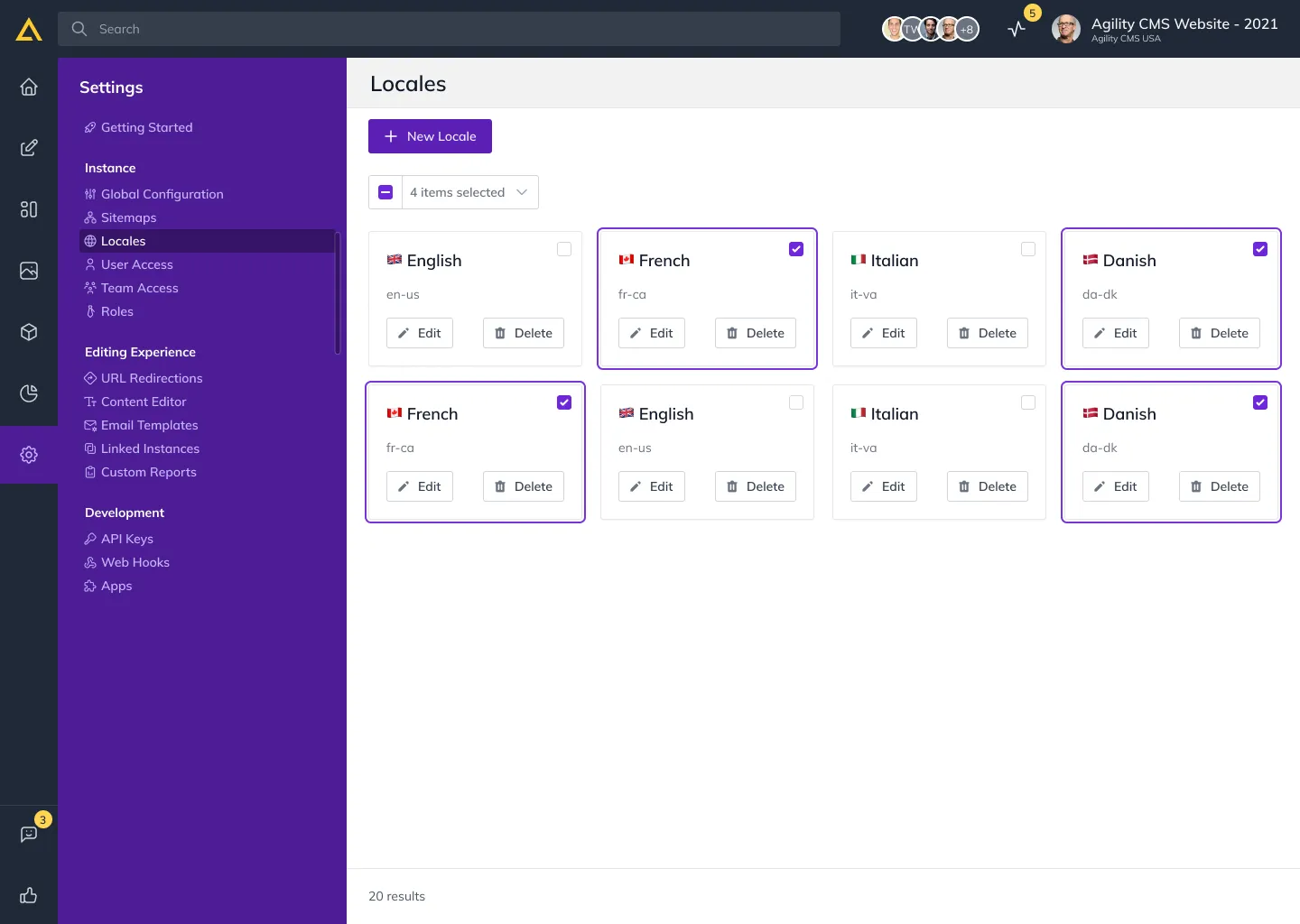
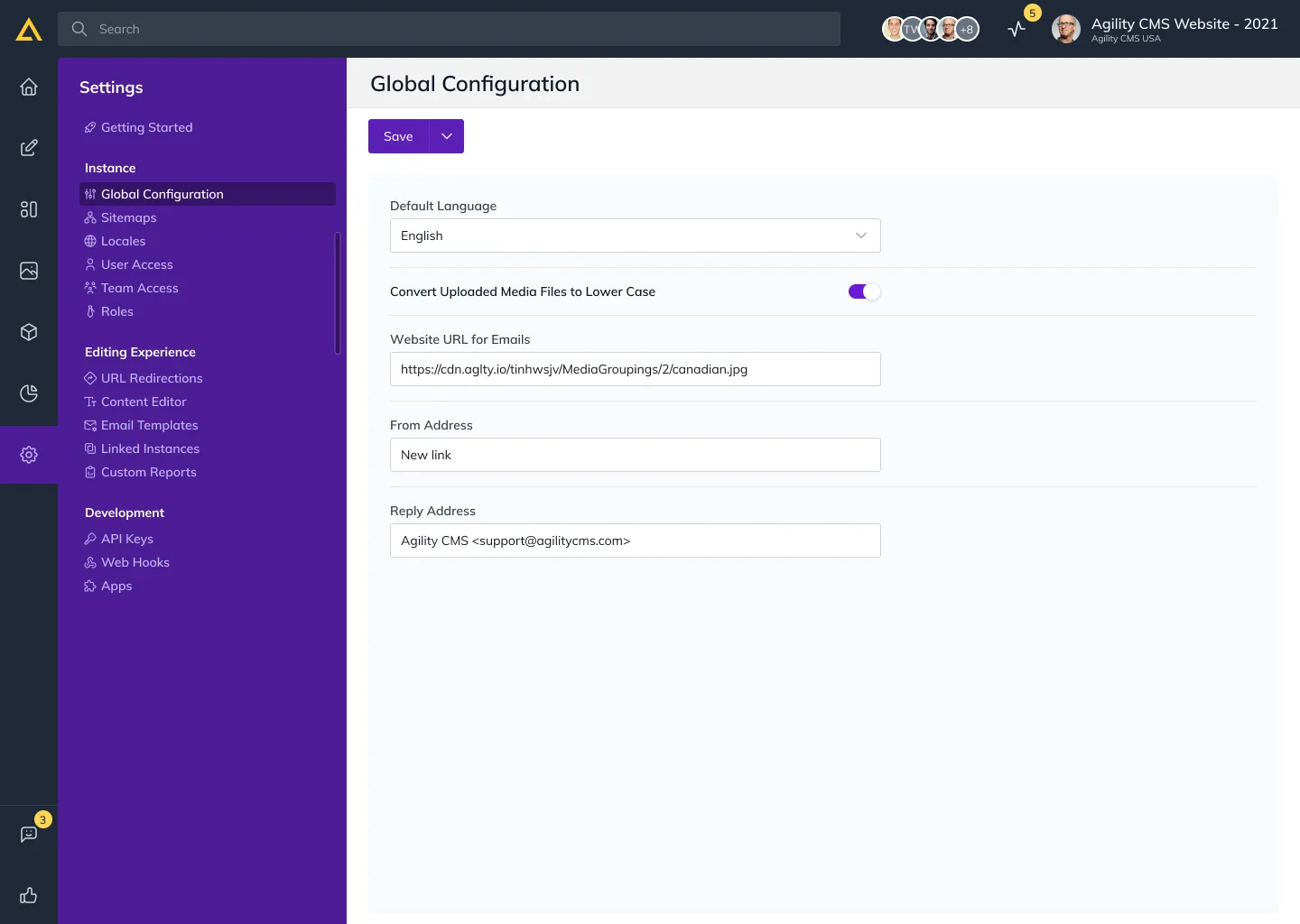
Settings was fully overhauled for cleaner control over the site. Global Configuration, Sitemaps, Locales, User and Team Access, and Roles all kept their function but became far easier to navigate. The new design makes configuration accessible and collaboration smoother, so users can manage permissions and settings on the fly.
Results and takeaways
This started as a UI refresh and became something more durable. The live, post-launch feedback loop turned it into a real working relationship with stakeholders and tied product decisions directly to user insight. Paired with ongoing Pixel Perfection workshops, design and development stayed close, and the interface kept getting clearer and more capable. The lesson held throughout: empathy and steady, feedback-led iteration build a product that grows with the people using it.